
Self-service kiosks solve more than ticketing. Modern systems handle food ordering, wayfinding, retail, and even controlled beverage service. North American theme parks are on track for more than 300 million visits and $32 billion in consumer spending, according to IAAPA's industry outlook, a 7% jump in spending. That volume demands smarter service infrastructure.
This guide covers kiosk types, real benefits, implementation steps, and how to actually evaluate whether a kiosk pays for itself.
Key Takeaways
- Kiosks redistribute demand away from staffed counters, cutting queue pressure during arrival surges and meal rushes.
- Match the kiosk to the job: ticketing, food, wayfinding, and beverage service each needs different hardware and integrations.
- Judge profitability using total cost of ownership, labor impact, and throughput—not sticker price alone.
- Beverage kiosks need extra attention to age verification, sanitation, and responsible-service controls.
Theme Park Self-Service Kiosks: What They Are and Where They Fit
A self-service kiosk combines a guest-facing interface, transaction software, and payment or scanning hardware connected to a park's operational systems. Some complete a transaction entirely on their own. Others support a staff-assisted workflow: think online ticket pickup, food-order collection, or beverage dispensing under supervision.
Common placement opportunities include:
- Entrance plazas and parking areas
- Food and beverage venues
- Resort areas and pool decks
- Retail locations and concourses
- Temporary event spaces
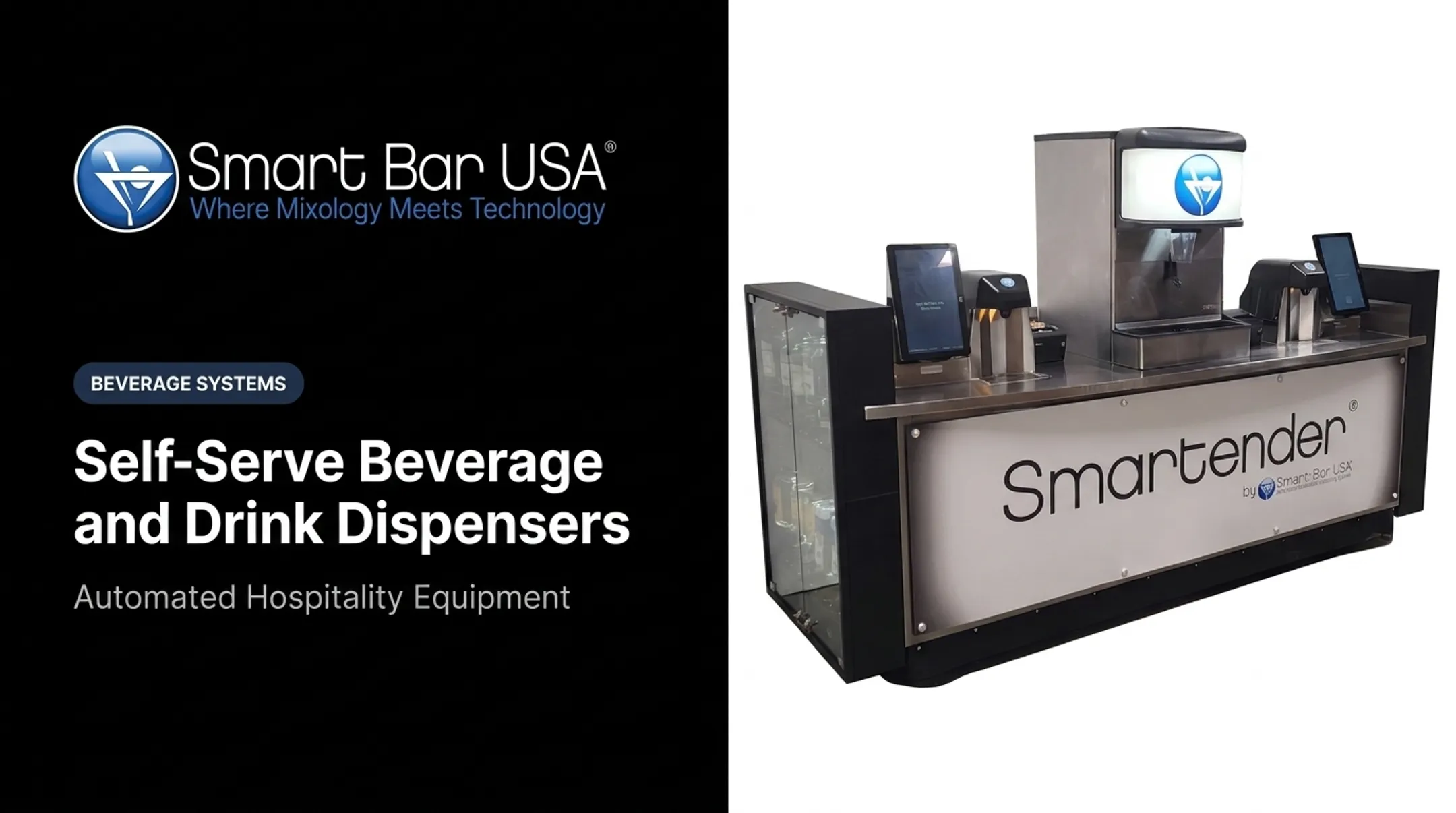
Not every kiosk needs to operate unsupervised. Smart Bar USA's Smartender DUO, for instance, is built around pre-authorized workflows rather than functioning as an unattended vending machine—a distinction that matters both operationally and legally.

Types of Theme Park Self-Service Kiosks
Ticketing and Admission Kiosks
These handle ticket purchases, online order retrieval, QR/barcode scanning, wristband issuance, and membership upgrades. Multilingual interfaces and clear pricing reduce friction right at the gate, which sets the first impression of a guest's day.
Food Ordering and Pickup Kiosks
Guests browse menus, customize orders, pay, and grab a pickup number without standing in a cashier line. Integration with kitchen display systems matters here: GRUBBRR's platform routes kiosk orders directly to the kitchen with automatic status updates, which keeps order-to-ready times predictable.
Information, Wayfinding, and Digital Signage Kiosks
Interactive maps, show schedules, and wait-time displays help distribute guests without pulling staff into repetitive Q&A. Outdoor legibility is non-negotiable. Vendor guidance from LiteMax recommends 2,500-4,000+ nits for full-sun conditions. Test the actual installed unit at the park's sun angle before committing.
Beverage and Cocktail Self-Service Kiosks
This is where automation gets interesting. A touchscreen ordering kiosk just takes an order; automated dispensing actually pours the drink with consistent recipes and portion control.
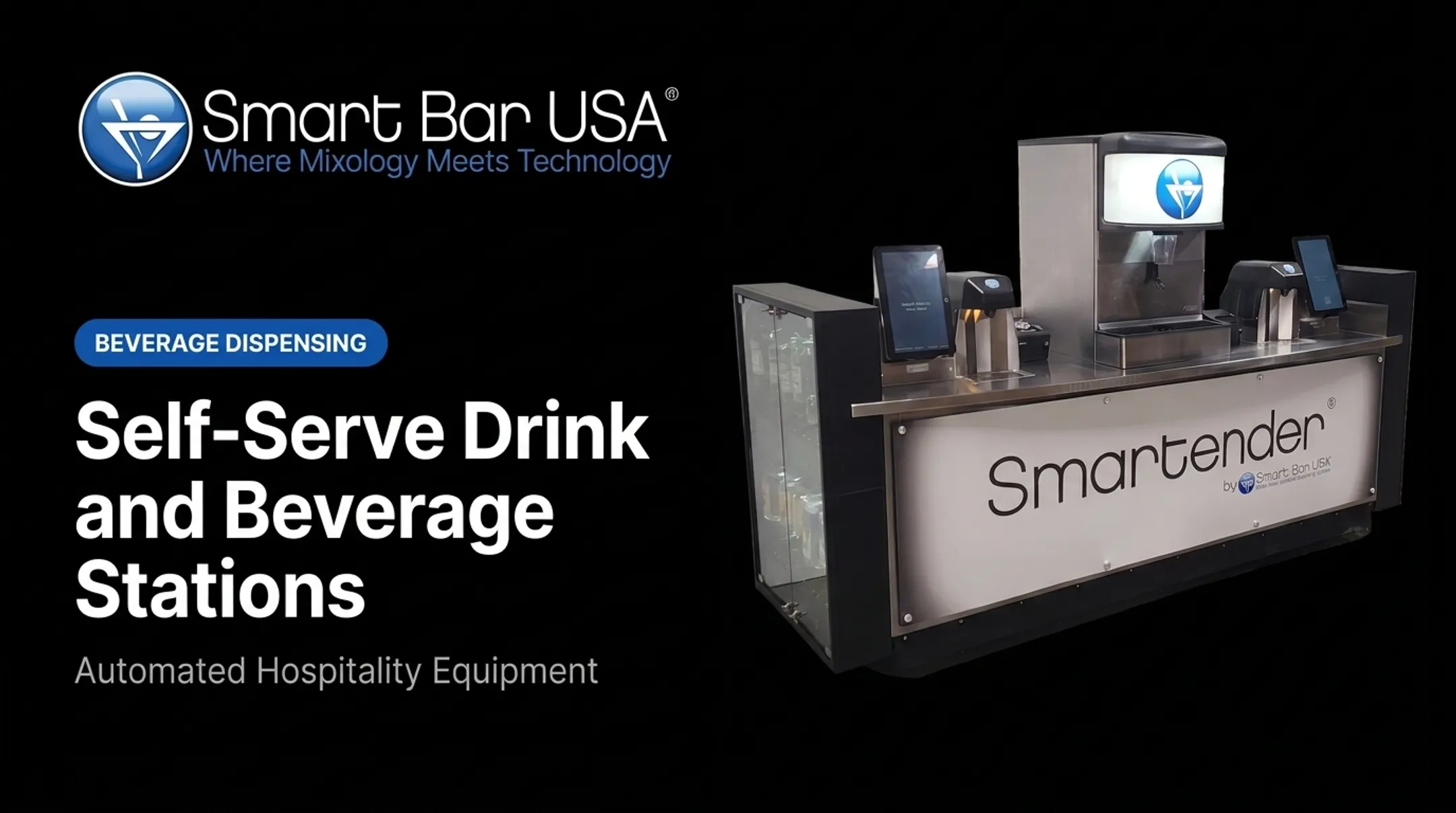
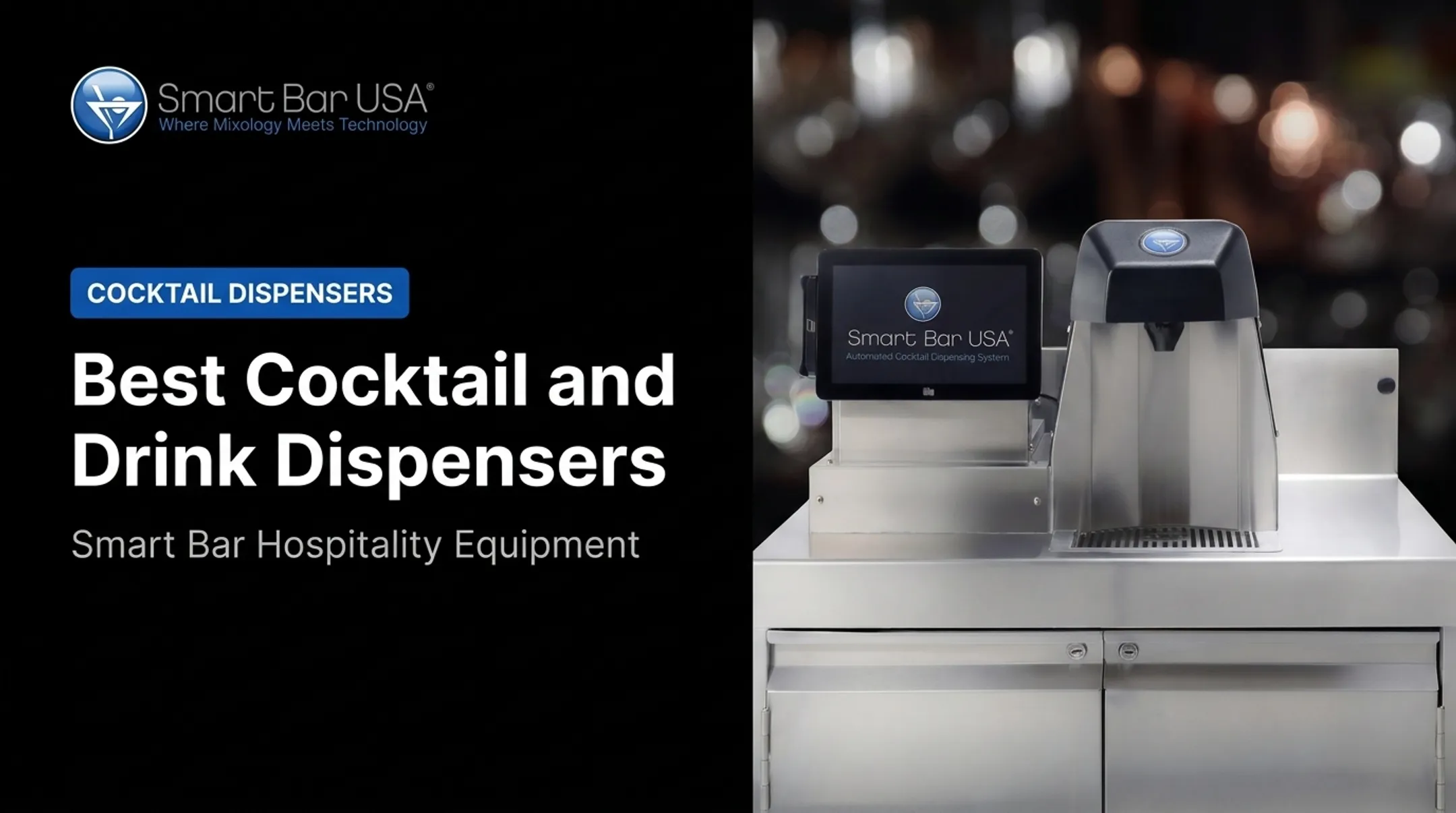
Smart Bar USA's Smartender Self Serve line illustrates the model:
- Modular: single-head dispensing with a touchscreen terminal
- Duo: twin-head dispensing for higher throughput
- Barcode/QR scan retrieval of pre-authorized orders
- Single-use orders admins can reinstate or delete
- Alcohol service schedules that allow or deny access by date and time
Guests typically order and pay at a staffed counter first, where ID gets checked. They then receive a receipt with a unique QR code, scan it at the dispensing unit, and get their drink poured in about 4 seconds. That is the pre-authorization model: staff verifies age, then the guest self-serves the pour.

Confirm payment workflows, integrations, and compliance steps with the vendor before specifying a beverage kiosk for a live venue.
Portable, Pop-Up, and Event Kiosks
For festivals, seasonal activations, and stadium-style zones where permanent construction isn't practical, portable units matter. Address power access, connectivity, weather protection, and rapid setup/teardown in your planning.
Benefits of Self-Service Kiosks for Theme Parks
Shorter Queues and Higher Throughput
Distributing transactions across multiple stations eases pressure on ticket counters and staffed bars during arrival surges. QSR Magazine reported that 65% of quick-service customers prefer kiosks, and kiosk users typically spend 10-30% more than those ordering from staff. That's comparable QSR evidence, not a park-specific guarantee, but it's a useful benchmark for a pilot.
Faster service also creates more windows for upsells: ticket upgrades, add-on food items, and time-sensitive promotions. GRUBBRR claims smart upsell technology can lift stadium ticket sizes by 40-50%. Treat that as a vendor claim to validate with your own pilot data, not an assumption baked into your ROI model.
Labor Flexibility and Portion Control
Kiosks handle repetitive transactions so staff can focus on hospitality, accessibility support, and exceptions. For beverage service specifically, the framing matters: it's about labor flexibility, not replacing bartenders. Staff still handle:
- Guest interaction and troubleshooting
- Stocking and replenishment
- ID verification and oversight
- Finishing touches on complex orders
Manual pours vary. Automated dispensing doesn't. Locked recipes and precise portioning (down to 1/16 ounce in Smartender's case) reduce over-pouring, spillage, and inventory discrepancies. That tightens beverage-cost management across a busy season.

Convenience, Accessibility, and Data
Multilingual support, adjustable text, contactless payment, and digital receipts all reduce friction for a diverse guest base. Transaction data also reveals demand patterns by location and time of day, which helps with staffing decisions when payment and personal data are handled responsibly.
How to Choose and Implement Theme Park Self-Service Kiosks
Choosing theme park self-service kiosks works best as a sequence: define the service problem, design the guest journey, lock integrations, clear compliance, then pilot with hard metrics. Skip a step and you risk hardware that looks right on paper but fails on a peak Saturday.
Define the Service Problem First
Start with the actual bottleneck: admission queues, food ordering, beverage service, or a temporary event need. Site factors matter too: peak demand timing, indoor vs. outdoor placement, weather exposure, power access, and proximity to staff who can assist.
Design the Guest Journey Before Picking Hardware
Map the flow from greeting through payment, fulfillment, and exception handling before you compare cabinets or screens. Build the journey around:
- Readable, multilingual interface copy
- Accessibility supports (reach range, audio guidance, adjustable text)
- Clear pricing plus allergy and ingredient disclosures
- Age-restricted purchase workflows where alcohol or similar items apply
- A visible staff-help path when the kiosk cannot finish the transaction

Confirm Integrations and Payment Requirements
Once the journey is clear, confirm the systems that must move data in real time. Cover POS, ticketing, inventory, kitchen or bar production, wristband and barcode readers, loyalty programs, and reporting tools.
Smart Bar USA Smartender systems integrate with most POS platforms and track pours for inventory control. Still verify compatibility, data ownership, and cybersecurity requirements for your venue before you sign.
Plan Compliance and Responsible Service
Integrations alone are not enough—beverage kiosks need extra compliance rigor. The U.S. Access Board's accessibility standards cover ATMs and fare machines under Section 707, though not every interactive kiosk falls under that section. Get project-specific legal review.
For alcohol specifically:
- Never treat self-service dispensing as unattended by default
- Build in ID checks, purchase limits, and escalation procedures
- Confirm state and local ABC rules before deployment; they vary widely (New York's SLA allows automated dispensing under set structural conditions, but every state differs)
- Treat a PCI-approved terminal as necessary, not sufficient—the full payment environment stays in PCI DSS scope
Prepare for Deployment and Measurement
After compliance sign-off, pilot before full rollout. Track:
- Adoption rate and queue time reduction
- Transaction completion and payment failure rates
- Uptime and average order value
- Waste levels and labor reallocation
- Guest satisfaction and support incidents
Judge results against pre-launch baselines, then use those numbers for a clear go or no-go on wider deployment.
Theme Park Kiosk Cost, Profitability, and ROI
How Much a Kiosk Costs
Pricing varies widely by type and configuration. Rough vendor-reported ranges for restaurant-style kiosks run $1,500 to $5,000 per unit, according to a 2025 Rezku cost breakdown, while custom or traditional builds can run $10,000-$20,000+. Beverage automation and ticketing kiosks are usually quoted per venue, not as a published flat rate.
Break any quote into its components:
- Hardware and touchscreen terminal
- Software licensing
- Payment and scanning equipment
- Installation and networking
- Integration and staff training
- Ongoing maintenance and support
How to Evaluate Profitability
Compare incremental revenue and measurable savings against total ownership cost: equipment, installation, software, consumables, cleaning, and downtime. Start with your park's own numbers:
- Current transaction volume and average order value
- Peak-period demand patterns
- Labor costs at affected stations
- Current waste levels
- Expected adoption rate (model conservative, expected, and high-demand scenarios)

Smart Bar USA reports that its Self Serve systems can cut over 90% of monthly bartender labor cost at high-volume venues. Test that figure against your own labor data before locking it into a business case.
Build a Defensible Business Case
- Request itemized quotes, not bundled estimates
- Pilot the single highest-impact location first
- Set a specific payback target
- Compare kiosk performance directly against existing staffed service
Profitability climbs when the kiosk clears a real bottleneck—not when it sits in a low-traffic corner. Use the pilot to prove placement, uptime, and guest adoption before you scale.
Frequently Asked Questions
How much does a theme park kiosk usually cost?
Cost depends on kiosk type, customization, payment hardware, software, and integration needs. Request itemized quotes from vendors rather than relying on a single published price point.
What types of kiosks are used in theme parks?
Parks typically deploy ticketing and admission, food ordering and pickup, beverage and cocktail dispensing, retail, wayfinding, and portable event kiosks.
Are theme park kiosks profitable?
Profitability depends on throughput, guest adoption, labor impact, revenue per transaction, waste reduction, and uptime, not just the purchase price. Model conservative and optimistic scenarios using your own park data.
How do self-service kiosks improve the guest experience at theme parks?
They shorten queues, speed up payments, and offer multilingual, accessible interfaces. Staff assistance should remain visible and available for guests who need it.
What features should theme park operators look for in a self-service kiosk?
Look for durable outdoor-rated hardware, accessible software, secure payment processing, relevant POS integrations, remote monitoring, and a clear maintenance plan.