
A December 2023 industry report found that 39% of diners are likely to leave a negative review when staffing shortages coincide with inconsistent orders and long waits. That's a real reputational cost, not just a service inconvenience.
Restaurant tabletop ordering systems let guests or staff place orders at the table through tablets, handheld POS devices, QR codes, or connected smartphones. This guide covers the system types, how the ordering workflow actually functions, the benefits worth measuring, POS and payment integration, implementation steps, ROI, guest adoption, and — for high-volume operators — beverage-service considerations.
Key Takeaways
- Match tabletop ordering to your service style: guest-led, server-led, or hybrid
- Prioritize systems that link ordering, POS, kitchen routing, payment, and reporting
- Use digital ordering to cut friction—without removing staff help or hospitality
- For high-volume beverage service, evaluate pour control and drink-order routing with food ordering
What Is a Restaurant Tabletop Ordering System?
Definition and Terminology
A tabletop ordering system captures food or drink orders at the table and sends them to the POS, kitchen display system (KDS), bar display, or the relevant prep station. Servers never walk back to a fixed terminal to re-enter the order.
The terminology gets used loosely, so here's the distinction:
- Tableside ordering — can be staff-operated (handheld POS) or guest-operated (tablet)
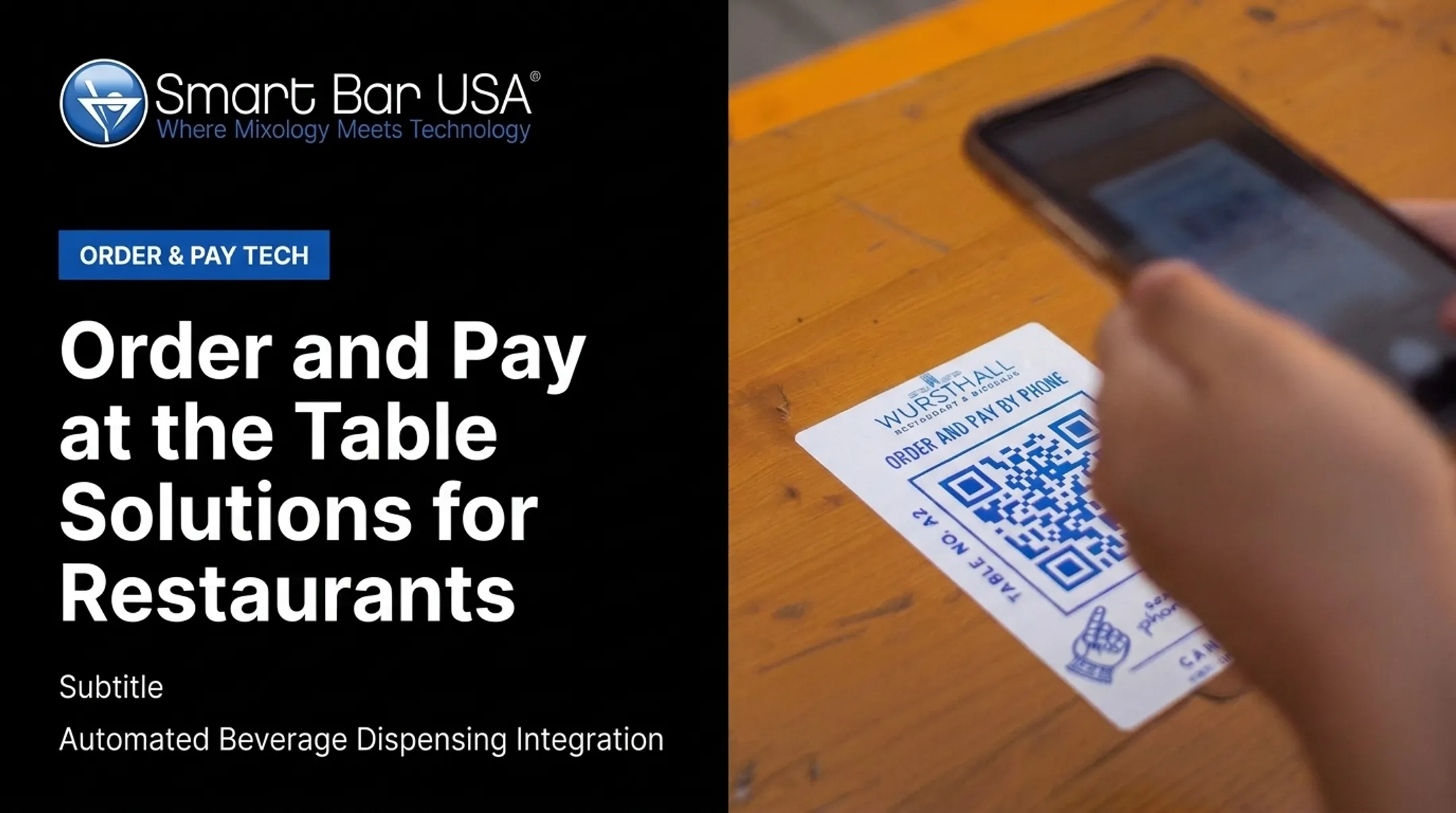
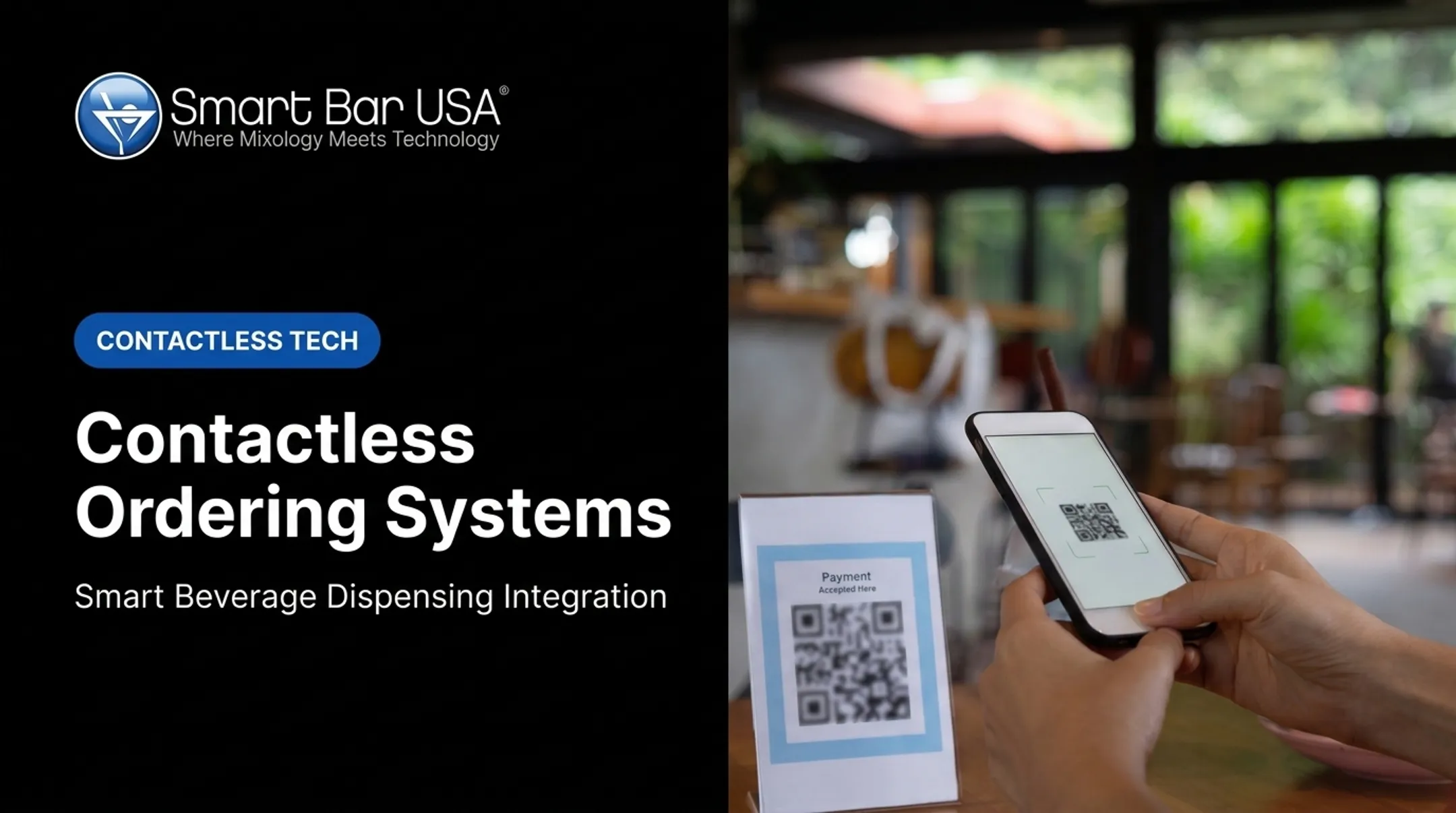
- QR ordering — guests use their own smartphone via a scanned code
- Handheld POS ordering — staff-managed, server carries the device
- Pay-at-table — refers specifically to settling the bill at the seat, not to ordering
A tabletop system can run fully self-service, assisted, or hybrid. That flexibility matters: it lets a restaurant keep human interaction exactly where it adds value, whether that's confirming an allergy note or verifying age for a cocktail order.
Which Restaurants Can Benefit?
Operational pressure—not novelty—determines the best fit. Environments most likely to benefit include:
- Full-service restaurants and fast-casual concepts
- Restaurant and bar chains running multiple units
- Hotels, casinos, and nightclubs
- Stadiums, arenas, and event venues
The National Restaurant Association's 2024 Technology Landscape Report found full-service diners showed stronger stated willingness to order (60%) and pay (65%) on a table tablet than via QR code (48% and 46% respectively). Full-service venues may therefore get more traction from tablet-led or hybrid models than from QR-only rollouts, though results still depend on execution.
Volume, table distance from the POS, staffing constraints, and beverage-service speed should drive the decision more than which technology looks impressive in a demo.

How Restaurant Tabletop Ordering Works
Guest- or Server-Led Order Entry
The typical sequence: open the digital menu, select items, choose modifiers, add special requests, review, submit. That's it — no notepad, no memory game.
- Handheld POS devices keep server-led hospitality intact while cutting terminal trips
- Tablets, QR codes, and smartphones hand more direct control to the guest
- Hybrid workflows are common in practice — a guest browses independently but flags a server to confirm an allergy, or staff step in to approve an age-restricted beverage order
Order Routing and Preparation
Orders should route in real time to the POS, kitchen display, bar display, or printer — no re-entry at a fixed terminal required. Operational requirements include:
- Accurate table numbers and seat positions
- Correct modifiers, courses, and timing
- Clean communication between kitchen, bar, and front-of-house
Before launch, test menu changes, unavailable items, split orders, special requests, refunds, voids, and course timing. Skipping this step is where most rollouts run into trouble mid-service.
Payment and Pay-at-Table Functionality
Ordering and payment are separate functions, even when guests experience them as one step. Pay-at-table systems typically support:
- Pay now or pay at the end of the meal
- Split checks and digital tipping
- Card or mobile-wallet tap at the table
Security is non-negotiable here. Operators should verify:
- Encryption and tokenization
- PCI-compliant hardware and software
- Secure authentication protocols
- Clear handling of declined or interrupted transactions
The PCI Security Standards Council confirms that PCI DSS scope extends to any entity that stores, processes, or transmits cardholder data — including the restaurant, not just the payment processor.
Pay-at-table can shorten the final service step. Staff oversight still matters for refunds, discounts, and responsible alcohol service.
Core System Components and Integrations
A typical stack includes:
- Guest-facing device or QR code
- Ordering software
- Restaurant POS
- Payment processor
- Kitchen or bar display
- Menu database and reporting dashboard
Two-way integration is the part that actually determines whether the system works. Real-time pricing, item availability, modifiers, taxes, discounts, and loyalty data all depend on it. Toast's own KDS documentation describes routing rules that change prep-station assignment based on dining option — configurable, but not automatic. Test it yourself.

Ask vendors directly: what happens when the network drops, a device dies, or the payment processor goes down mid-service? There needs to be a fallback that keeps tables moving.
Beverage Ordering and Dispensing Integration
Cocktails aren't food items, and routing them through a standard kitchen queue creates bottlenecks. High-volume venues — casino floors, hotel pool bars, and high-turn restaurant groups — benefit when tabletop drink orders feed a controlled beverage-service workflow instead.
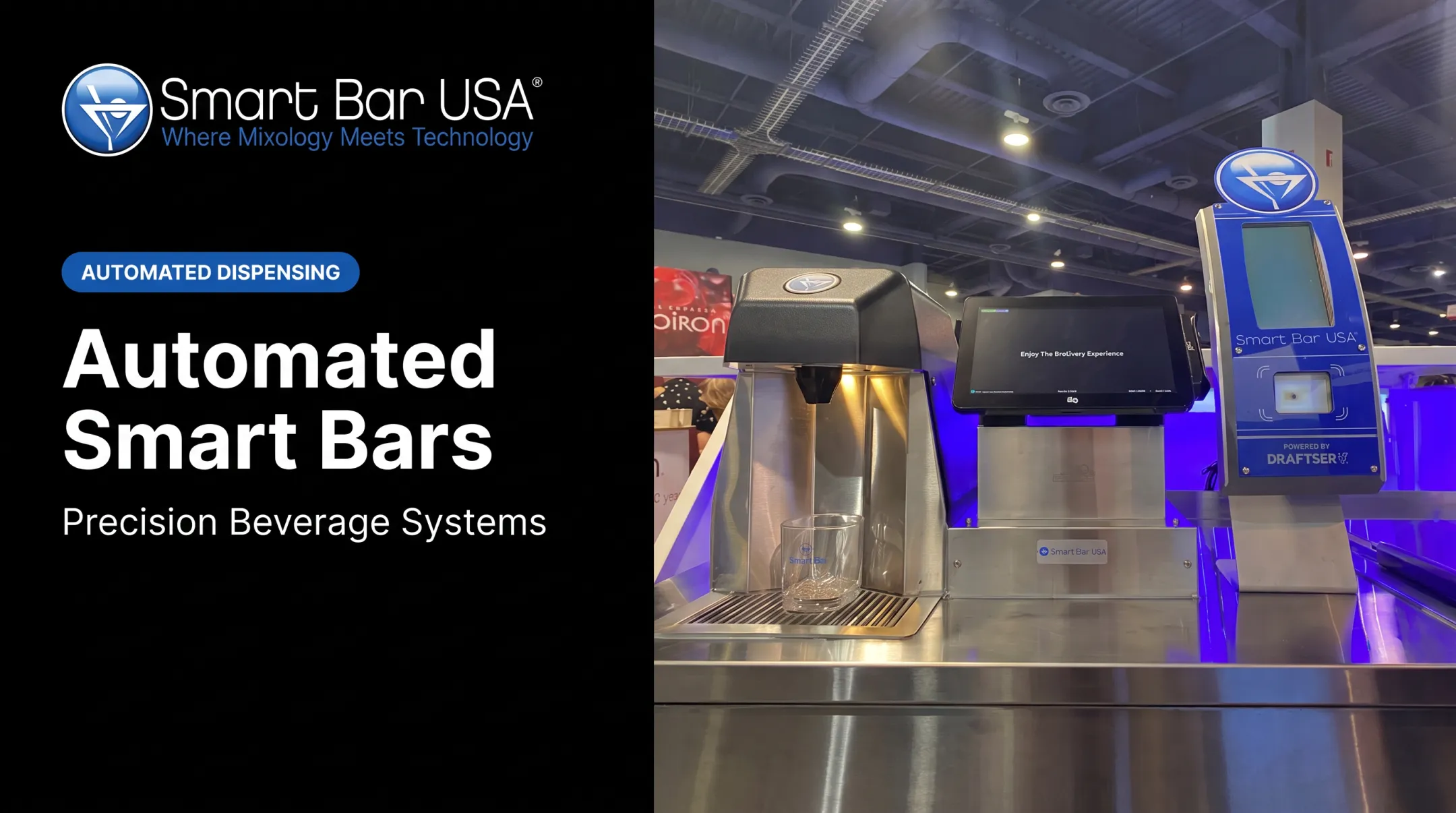
This is where Smart Bar USA's Smartender product family fits in. Built for high-volume hospitality and entertainment venues, Smartender integrates with POS systems and tracks pours, with company materials citing sub-four-second dispensing and 1/16-ounce precision.
At Atomic Golf in Las Vegas, four Smartender units were integrated with the GoTab ordering platform to automate repetitive drink production during peak throughput.

Smartender complements — it doesn't replace — the restaurant's ordering and POS workflow. Verify model-specific capabilities, and don't skip staff controls, age verification, and responsible alcohol-service safeguards.
Benefits of Restaurant Tabletop Ordering Systems
Faster Service and Higher Throughput
Direct order transmission cuts trips to fixed terminals and shortens the gap between seating and order submission. That matters most during rush periods, when every minute of delay compounds.
Independent US benchmarks for exact time savings are limited, so treat vendor speed claims as directional. Fewer manual steps between order and kitchen still means fewer bottlenecks and a faster feel for guests.
Improved Order Accuracy and Fewer Remakes
Structured menus, required modifiers, and direct POS routing reduce misheard orders and re-entry errors. A frequently cited 2022 Square case study reported 12+ staff-hours saved weekly and a full drop in error-attributed refunds after one group switched to tablet-based ordering. Treat it as a useful case, not a universal result.
Accuracy still depends on:
- Clear menu configuration
- Correct modifier logic
- Up-to-date item availability
- Staff training on the system
Track corrections, remakes, voids, and comps before and after implementation to know if it's actually working for you.
Better Guest Control and a More Flexible Experience
Guests can browse at their own pace, review allergen information, customize orders, and choose when to pay. That's real convenience. It still needs balance:
- Offer staff guidance for guests who want it
- Use large, readable interfaces
- Keep a traditional ordering alternative available
- Consider accessibility and language needs
A hybrid model serves tech-comfortable diners without alienating anyone who wants a conversation instead of a screen.
Higher Checks and More Intentional Upselling
Digital menus can surface relevant add-ons, pairings, and premium substitutions right at the moment of decision. Toast reports an average 9% higher check size for Mobile Order & Pay versus standard dine-in (internal 2021-2024 data). Results vary by concept, but the direction is consistent.
Recommendations should stay useful and transparent. Accurate pricing, honest availability, no pressure tactics.
Labor Efficiency Without Eliminating Hospitality
Cutting repetitive order-entry and payment trips frees servers to spend time on recommendations, table checks, and problem resolution. The goal is redeploying labor toward hospitality when hiring is tight and peak coverage matters most.
Measure:
- Staff walking time per shift
- Orders handled per server
- Training time required
- Service bottlenecks during peaks
Better Data, Beverage Control, and Operational Visibility
Integrated systems surface item popularity, modifier trends, ordering patterns, and payment completion rates. For beverage-heavy operations, add pour counts, recipe compliance, waste, and shrinkage to that list.
Smart Bar USA's Smartender systems track every pour to help reduce over-pours, waste, and unauthorized drinks, giving managers firmer inventory control. Pair that beverage data with tabletop ordering analytics and you can adjust menus, staffing, and recipes from evidence instead of guesswork—strengthening speed, accuracy, and check performance across the floor.

How to Choose and Implement a Tabletop Ordering System
Set Goals and Establish a Baseline
Document the specific problem before comparing vendors:
- Slow order entry
- Payment delays
- Beverage bottlenecks
- Inconsistent reporting Record baseline numbers before you touch a contract:
- Order-entry time
- Wait time
- Error rate
- Average check
- Table duration
- Beverage waste That baseline is what makes your ROI case credible later.
Choose the Right Deployment Model
| Model | Best fit | Trade-off |
|---|---|---|
| Guest-facing tablet | Full-service, higher-check concepts | Higher hardware cost |
| Handheld POS (staff) | Full-service concepts preserving server hospitality | Requires staff training |
| QR code ordering | Casual, fast-casual, high turnover | Lower guest comfort in some segments |
| Hybrid | Most concepts with mixed guest preferences | More complex to manage |
| Test the chosen model with real guests, including those less comfortable with smartphones or who need accessibility support. |

Verify POS, Kitchen, Bar, Payment, and Inventory Integration
Before signing anything, confirm integration across:
- POS and KDS (kitchen display system)
- Bar display or printer
- Payment processing
- Menu management and inventory
- Loyalty and reporting Ask whether integrations are native, API-based, or dependent on a third party, and whether that comes with extra licensing fees. Test modifiers, split checks, refunds, voids, and out-of-stock handling before launch, not after.
Evaluate Hardware, Security, Reliability, and Support
Restaurant hardware takes a beating. Check for spill resistance, battery life, cleanability, and screen readability in bright or crowded rooms. On the software side, confirm Wi-Fi coverage, offline functionality, and vendor uptime commitments. Ask vendors directly about training, replacement devices, and escalation response times during peak service. That's when problems actually surface.
Design the Rollout Around People and Operations
- Simplify the digital menu with clear categories, accurate modifiers, and allergen information
- Train staff on order assistance, troubleshooting, and the manual fallback process
- Pilot in one section or shift before expanding
- Gather feedback from guests, servers, kitchen staff, and bartenders before scaling
Challenges, ROI, and When Tabletop Ordering Is a Good Fit
Guest Adoption and Service Balance
Some diners prefer traditional service or lack a compatible device. Poorly designed interfaces or aggressive upsells create friction instead of removing it. Fine-dining concepts built around highly personal service should ask whether tech supports the brand promise or works against it.
Fine-dining concepts built around highly personal service should ask whether tech supports the brand promise or works against it.
Tabletop ordering tends to fit better when:
- Volume is high and ticket times matter more than tableside theater
- Guests already expect self-serve or QR flows (casual, fast-casual, large venues)
- Staff can still step in for exceptions, allergies, and hospitality moments
Cost and ROI Evaluation
Model total cost of ownership across:
- Hardware
- Software subscriptions
- Payment processing
- Installation and integrations
- Training and ongoing support
Published vendor pricing (like Square's list prices) is a reference point, not a market-wide range.
Compare measurable gains—throughput, average check, error reduction—against that full cost. Avoid universal payback claims; every concept's math is different.
Reliability, Security, Accessibility, and Compliance Risks
Common failure points include:
- Weak connectivity
- Dead batteries
- Payment outages
- Inaccurate menu data
Build contingency plans before go-live:
- Spare devices on hand
- Paper fallback for orders and payments
- Clear escalation contacts
US operators should review payment (PCI DSS), accessibility (ADA), allergen (FDA), and alcohol-service requirements with qualified professionals before launch.
Frequently Asked Questions
What are the 7 types of table service?
Commonly cited styles include American, French, Russian, English, buffet, gueridon, and cafeteria-style service. Tabletop ordering is a technology method that can support several of these styles, not a traditional service type itself.
What is a restaurant tabletop ordering system?
It's a tablet, handheld POS, QR, or smartphone-based system that captures orders at the table and routes them to the restaurant's POS, kitchen, bar, or payment systems.
How does tabletop ordering differ from QR code ordering?
QR ordering is one form of tabletop ordering where guests use their own smartphone. Tabletop ordering can also include dedicated tablets or staff-operated handheld devices.
Can tabletop ordering integrate with a restaurant POS and kitchen display system?
Yes, when the provider supports it. Operators should verify menu, modifier, payment, inventory, and multi-location synchronization before committing.
Does tabletop ordering replace restaurant servers?
It can reduce repetitive order-entry and payment tasks, but it should support rather than replace servers, who remain essential for hospitality, assistance, and responsible alcohol service.
How much does a restaurant tabletop ordering system cost?
Cost varies by deployment model, hardware, software, integrations, and number of locations. Compare total cost of ownership against measurable operational benefits instead of relying on a single sticker price.