
In 2024, 59% of restaurant operators reported hard-to-fill openings, while labor costs ate up more than a third of full-service sales, according to the National Restaurant Association. Contactless ordering isn't just QR-code menus anymore. It spans mobile ordering, kiosks, table-side tablets, POS integration, and self-service beverage systems — and each piece solves a different operational problem.
Key Takeaways
- Guests can browse, customize, order, and pay from a phone, kiosk, or tablet without waiting on staff to take the order.
- The best systems connect ordering to POS, payment, kitchen/bar workflows, inventory, and reporting.
- Operators see shorter wait times, fewer order errors, higher throughput, and clearer visibility into guest behavior.
- Hybrid models, digital ordering plus staff support, outperform fully self-service setups for most venues.
What Are Contactless Ordering Systems?
A contactless ordering system lets guests select and submit orders without waiting in line, handling a physical menu, or flagging down a server. That process is separate from contactless payment and contactless pickup.
- Contactless ordering: choosing and submitting items
- Contactless payment: completing the transaction (Apple Pay, tap-to-pay, credit card)
- Contactless pickup/delivery: getting the order into the guest's hands
These are separate layers, according to Hospitality Technology. A guest might scan a QR menu but still pay a bartender in cash. Knowing which layer failed helps you pinpoint where an order journey breaks down.
A full contactless ordering stack typically includes:
- QR-code menus and branded web/mobile ordering
- Table-side tablets and self-ordering kiosks
- Digital payment processing
- Order management and POS integration
- Kitchen or bar routing (including automated beverage dispensing)
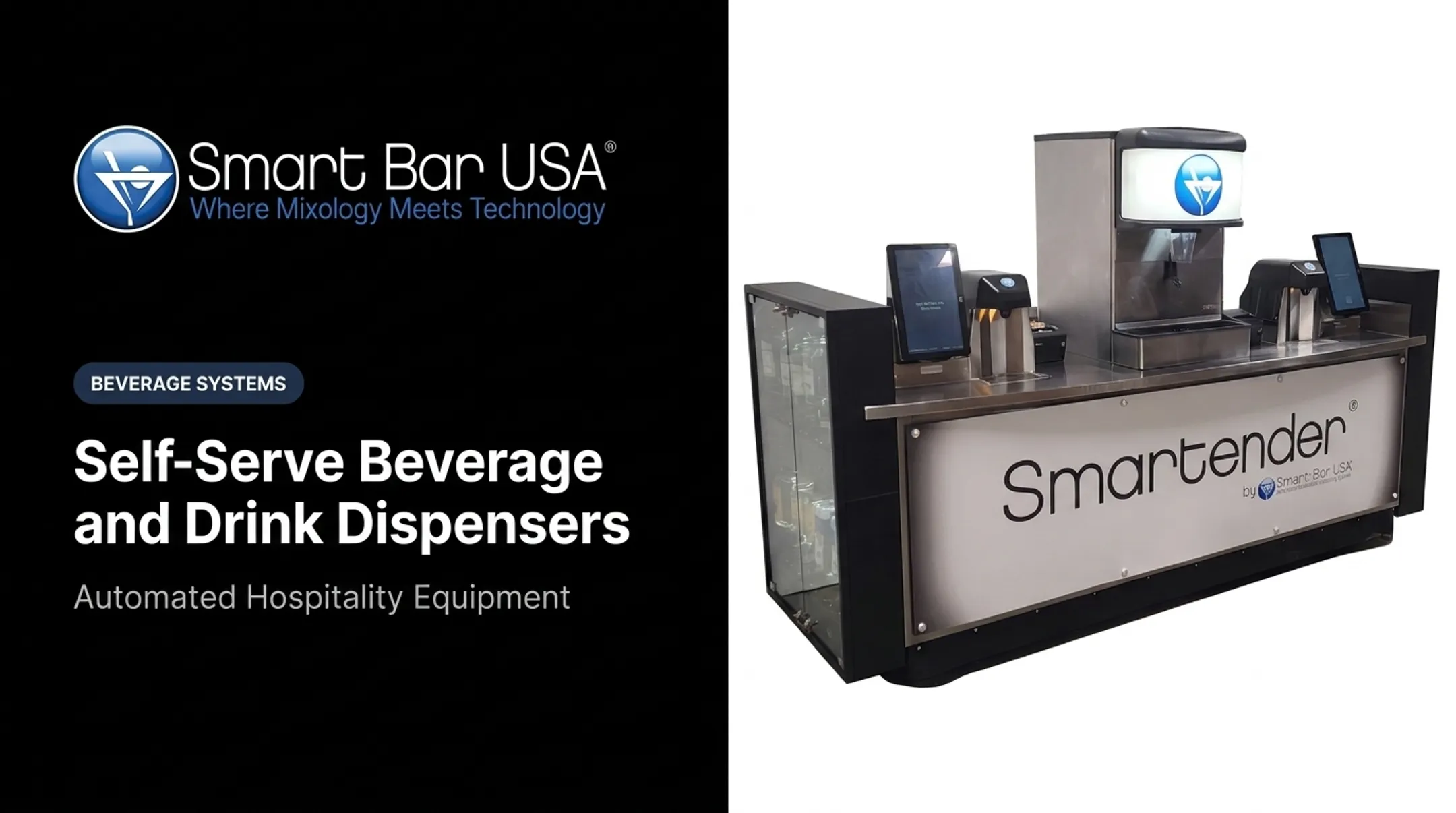
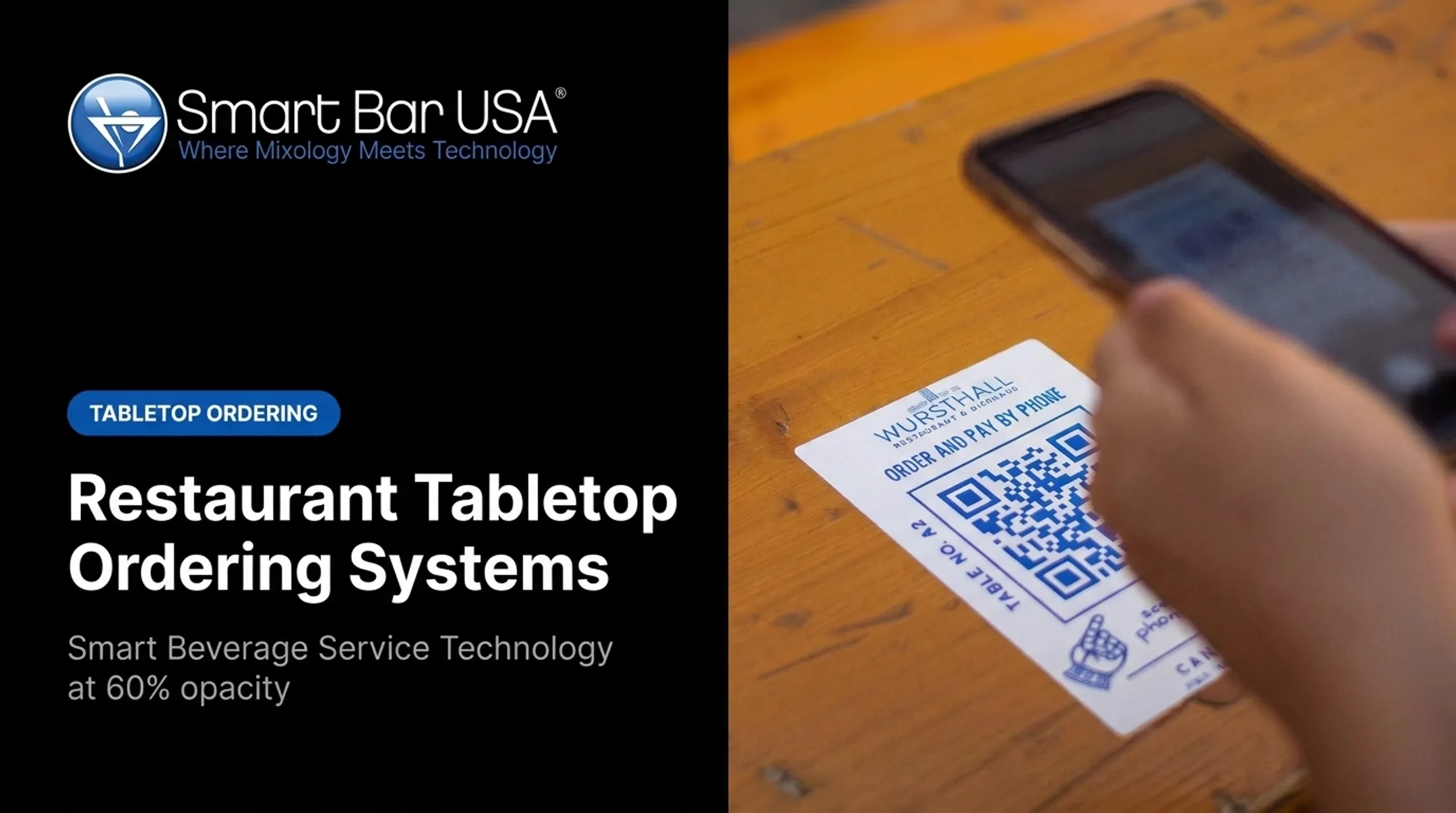
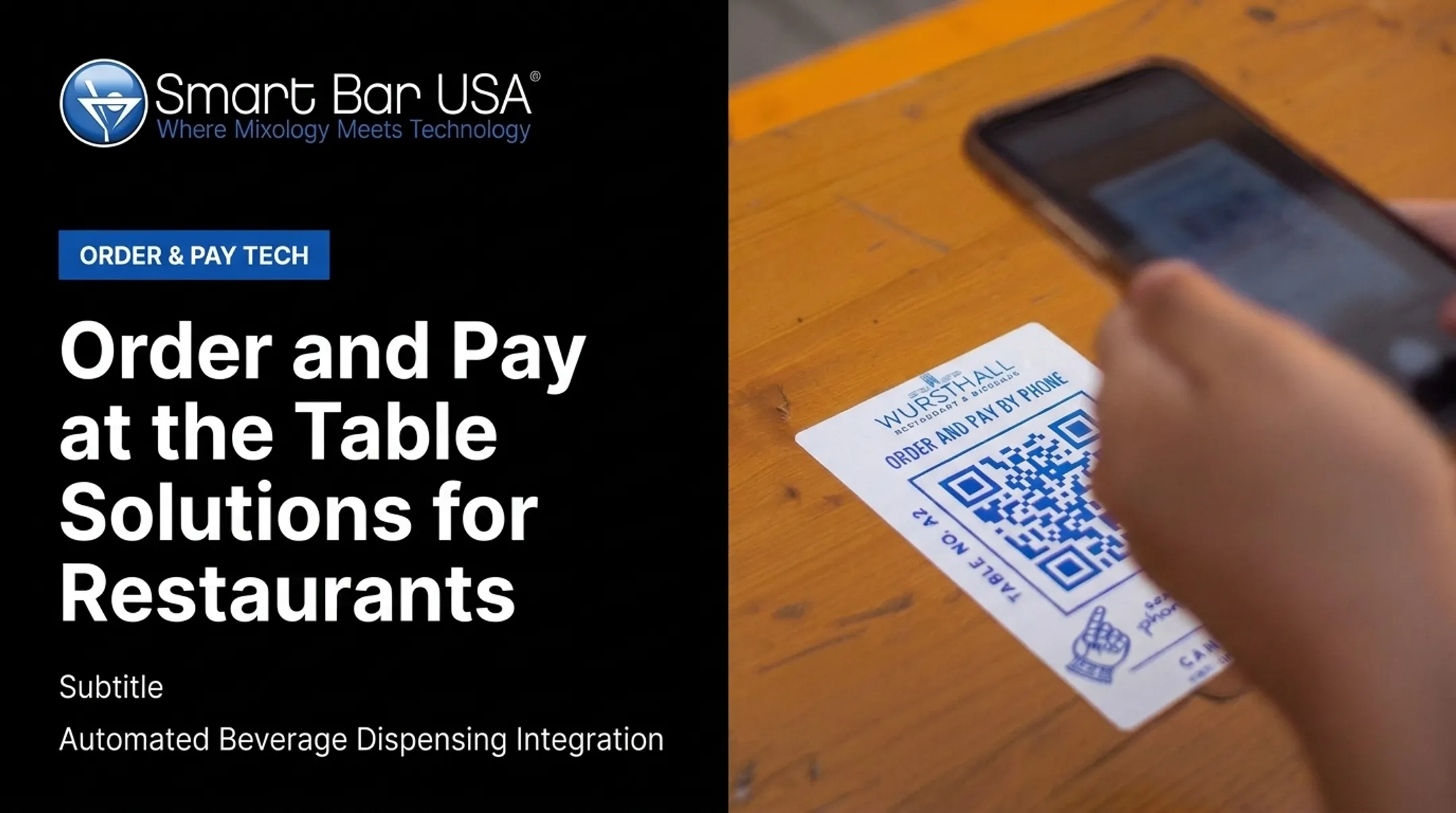
Smart Bar USA's QR Code & Remote Ordering Technology follows this model. Guests scan a location-specific QR code, browse the menu, select drinks and food, then pay via Apple Pay, Google Pay, or credit card. Orders route through the POS, with cocktails sent to a Smartender dispenser and food sent to the kitchen.

How Do Contactless Ordering Systems Work?
The Guest Ordering Journey
A typical guest path looks like this:
- Scan a QR code or walk up to a kiosk
- Browse the menu and customize items
- Check allergen info
- Submit the order and pay
Each screen should show accurate availability, pricing, modifiers, and pickup instructions, with no extra taps that slow the guest down.
Guest readiness varies by step. The National Restaurant Association found 59% of full-service guests would open a QR menu, but only 48% would order through it, and 46% would pay that way. That gap is exactly why an assisted alternative should stay in place.
Order Routing and Fulfillment
Once submitted, the order needs a clear path:
- POS receives the order and routes it to the right station
- Kitchen display or printer starts food prep
- Bar workflow or automated dispenser handles beverages
- Staff get a notification for pickup or table delivery

With Smart Bar USA's system, cocktail orders go directly to a Smartender dispenser for automatic pouring and garnishing, while food orders route to the correct kitchen station. Servers then deliver finished items to the QR location where the order started.
Exception handling matters just as much as the happy path. What happens when an item runs out, a card declines, or the network drops? Build those fallback steps in before launch, not after a bad night.
Security, Oversight, and Venue Controls
Payment tokenization, accessibility, and device sanitation are table stakes. Alcohol adds another layer entirely.
California, for example, requires customers picking up to-go alcohol orders to present ID for age and identity, and it prohibits delivery under that rule, per California ABC. Rules vary by state, so confirm current requirements before you implement.
Controlled self-service beverage technology belongs in that same compliance conversation. Smart Bar USA's Smartender DUO, developed with Lancer Worldwide, lets guests retrieve pre-authorized drink orders via QR or barcode scan. Built-in controls include:
- Single-use order memory so each ticket can be redeemed only once
- Manager tools to reinstate or delete orders
- Customizable service schedules that restrict alcohol access by date and time
Staff oversight and venue policy still run the workflow. This is not unattended vending.
What Are the Benefits of Contactless Ordering Systems?
Faster, More Convenient Guest Service
Guests order at their own pace instead of waiting for a server or standing in a bar line. This matters most in high-volume environments: casinos, stadiums, entertainment venues, and family entertainment centers.
A 2025 mystery-shop study across three major restaurant brands found mobile ordering cut drive-thru time by 1 minute 54 seconds and in-store wait by 3 minutes 31 seconds compared to traditional ordering, per Nation's Restaurant News. Results will vary by venue, but the study is a useful benchmark for what mobile ordering can deliver.
Greater Accuracy and Consistency
Direct guest input reduces the back-and-forth that causes missed modifiers and wrong orders. The same 2025 study found a 2-percentage-point accuracy improvement for mobile ordering overall — modest, but real.
Beverage consistency benefits from standardized dispensing. Smart Bar USA's Smartender systems pour cocktails to within 1/16 of an ounce in under four seconds, using a patented nozzle for consistent taste every time. That precision:
- Reduces over-pours and spillage
- Cuts shrinkage and unauthorized drinks
- Speeds up remakes when something's wrong
At Atomic Golf in Las Vegas, four Smartender units integrate with GoTab's ordering platform to keep beverage service moving during peak hours.
Better Operational Visibility and Revenue Opportunities
Digital ordering generates data that a paper ticket never could. GoTab reports that its operators average $83 in guest spend per labor hour — 84% above the industry median — while running 14% lower labor costs than standard benchmarks.

Smart Bar USA's Intelligent Software adds another layer: real-time analytics, bottle-empty alerts, and remote multi-unit management across the Smartender product line. Track these metrics after launch:
- Average order value
- Repeat order rate
- Digital adoption rate
- Guest satisfaction scores
Faster ordering helps capture revenue in tight windows like intermissions and last call. Measure the lift against your own venue data before projecting returns.
Hybrid Hospitality, Not Total Replacement
Technology shouldn't erase the human role in hospitality. As one operator put it regarding Atomic Golf's approach: GoTab connects ordering and service throughout the property, while Smartender supports speed and consistency — the goal is supporting hospitality, not replacing it.
Keep staff available for:
- Menu recommendations and upsells
- Accessibility accommodations
- Technical troubleshooting
- Complex or custom orders
- Guests who simply prefer talking to a person
Set the digital-to-staffed balance by brand promise, guest mix, and how hard your peak periods hit.
Types and Features of Contactless Ordering Systems
Common System Types
| Type | Best Fit | Main Limitation |
|---|---|---|
| QR/mobile web | Low-friction menu access, any venue | Depends on guest's phone and connectivity |
| Self-order kiosk | High-volume counter service, airports | Needs space, accessibility design, upkeep |
| Table-side tablet | Full-service dine-in | Hardware cost, sanitation, charging |
| Branded app | Repeat guests, loyalty programs | Download friction |
| Self-serve beverage stations | High-volume bars, stadiums, entertainment venues | Requires pre-authorization and oversight controls |
Match the type to your service model: table service, counter service, or high-volume beverage operations.
Selection Criteria for Operators
Before choosing a system, verify:
- POS and payment integration that settles cleanly at close
- Menu sync across QR, kiosk, app, and dispenser channels
- Kitchen or bar routing that prints or displays tickets reliably
- Inventory visibility, reporting, and basic shrinkage controls
- Accessibility, uptime, and device reliability under rush conditions
- Support, onboarding speed, security, and total cost of ownership
Test the entire journey (QR scan to fulfillment), not just the guest-facing screen. A polished ordering UI means nothing if the ticket never reaches the bar or kitchen.
Beverage and High-Volume Venue Applications
For venues where cocktail speed and consistency drive revenue, Smart Bar USA's Smartender family offers several configurations:
- Smartender A-Series: modular countertop units supporting 8 to 50 distinct liquors
- Smartender GO: portable, self-contained bar for events and pop-ups
- Smartender CHILL: refrigerated dispensing for perishable ingredients
- Smartender DUO: QR-authorized self-service retrieval

Each pours in under four seconds with 1/16-ounce accuracy and connects to POS systems for order tracking. A single Smartender unit can produce 36 mixed and shaken cocktails in 20 minutes, a clear throughput gain during a rush.
How to Implement a Contactless Ordering System
Assess the Operation Before Selecting Technology
Map your current order journey first. Identify peak demand windows, staffing constraints, menu complexity, and alcohol-service workflow. Establish baselines for:
- Order accuracy
- Average wait time
- Labor allocation and waste
- Average order value and guest satisfaction
Choose Compatible Technology and Map Integrations
Confirm compatibility with your existing POS, payment processor, kitchen display system, and inventory tools before signing anything. Hospitality Technology recommends aligning vendors on data-sharing rules and testing payment end-to-end in a limited location before scaling.
Document:
- Data ownership
- Outage procedures
- Hardware requirements and support response times
- Full implementation cost
Build the Digital Menu and Ordering Journey
Build the menu around the details guests need to order without help:
- Item availability and modifiers
- Allergen details and pricing
- Clear pickup instructions
Test the flow on common mobile devices and with users who have different accessibility needs. Guests should complete an order unassisted. An assisted path must still exist for exceptions.
Pilot, Train, and Communicate
Start small:
- Pick one location, bar, or service period
- Define success criteria upfront
- Train staff on order monitoring, payment issues, alcohol controls, and outage fallback
- Collect guest feedback continuously
Measure Results and Improve
After launch, review adoption rates, wait times, order accuracy, beverage variance, and repeat usage. Use those numbers to refine menu design, signage, and the digital-to-staff balance.
If high-volume cocktail service is part of your operation, evaluate an automated dispensing system such as Smartender at this stage. It supports the speed, pour consistency, and POS-connected workflow contactless beverage ordering needs during peak periods.
Frequently Asked Questions
Can I use a QR code for restaurant ordering?
Yes. A QR code can link guests to a mobile-friendly menu or ordering page. You'll still need secure payment processing, accurate menu data, visible signage, and a staff-assisted alternative for guests who need one.
What is the difference between contactless ordering and contactless payment?
Ordering is selecting and submitting items; payment is completing the transaction. They can work together or separately. A guest can order digitally and still pay a cashier.
Do contactless ordering systems integrate with POS systems?
Many do, but verify the specifics: supported integrations, menu synchronization, order routing, payment reconciliation, and outage procedures all vary by vendor.
Are contactless ordering systems suitable for bars and venues that serve alcohol?
Yes, with the right controls in place. Staff oversight, age verification, and responsible-service procedures remain essential. Confirm your state's current requirements before implementation.
How can a restaurant introduce contactless ordering without losing personal service?
Use a hybrid model. Let digital ordering handle routine transactions while staff stay available for recommendations, accessibility support, and complex orders that need a human touch.