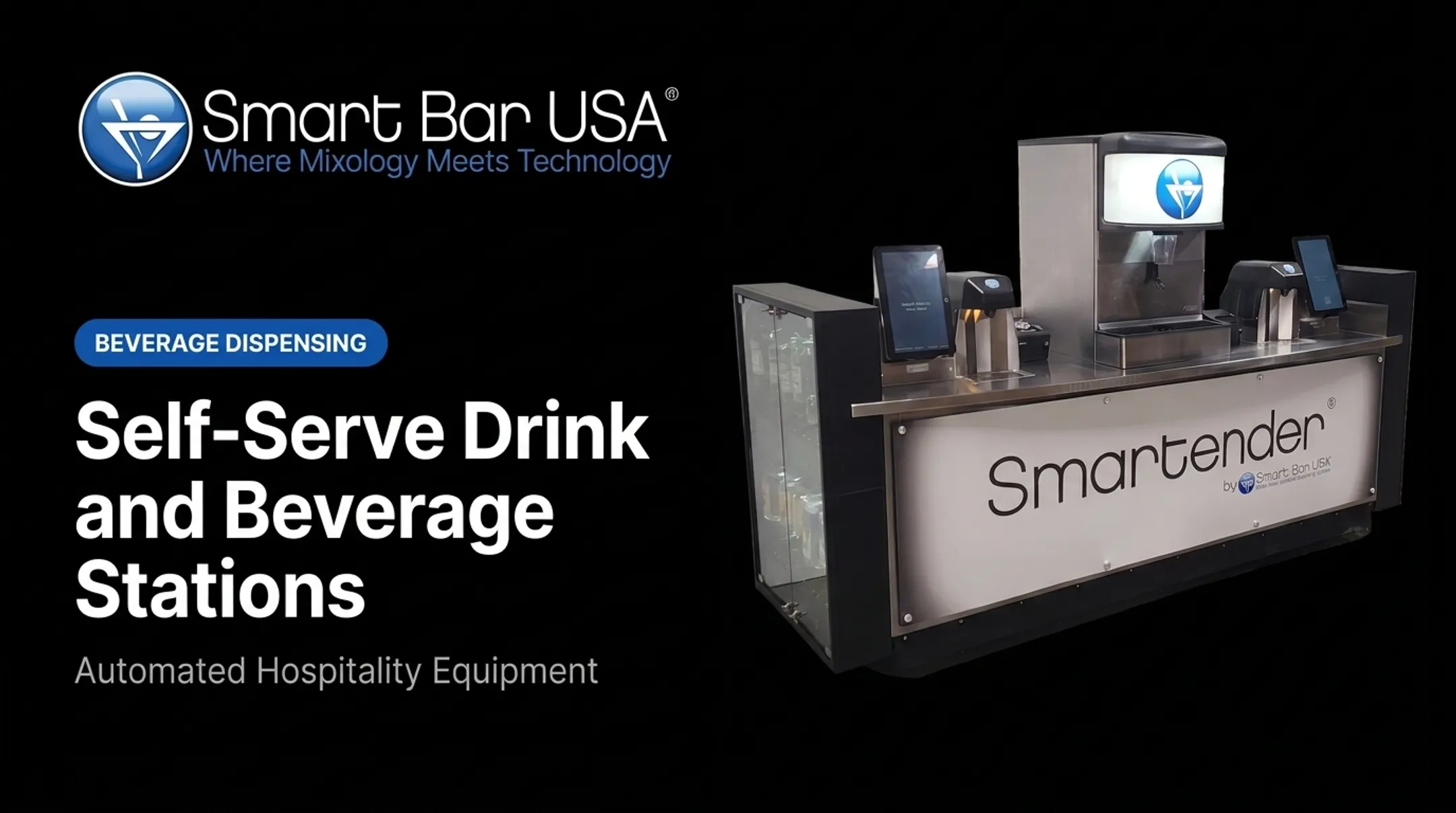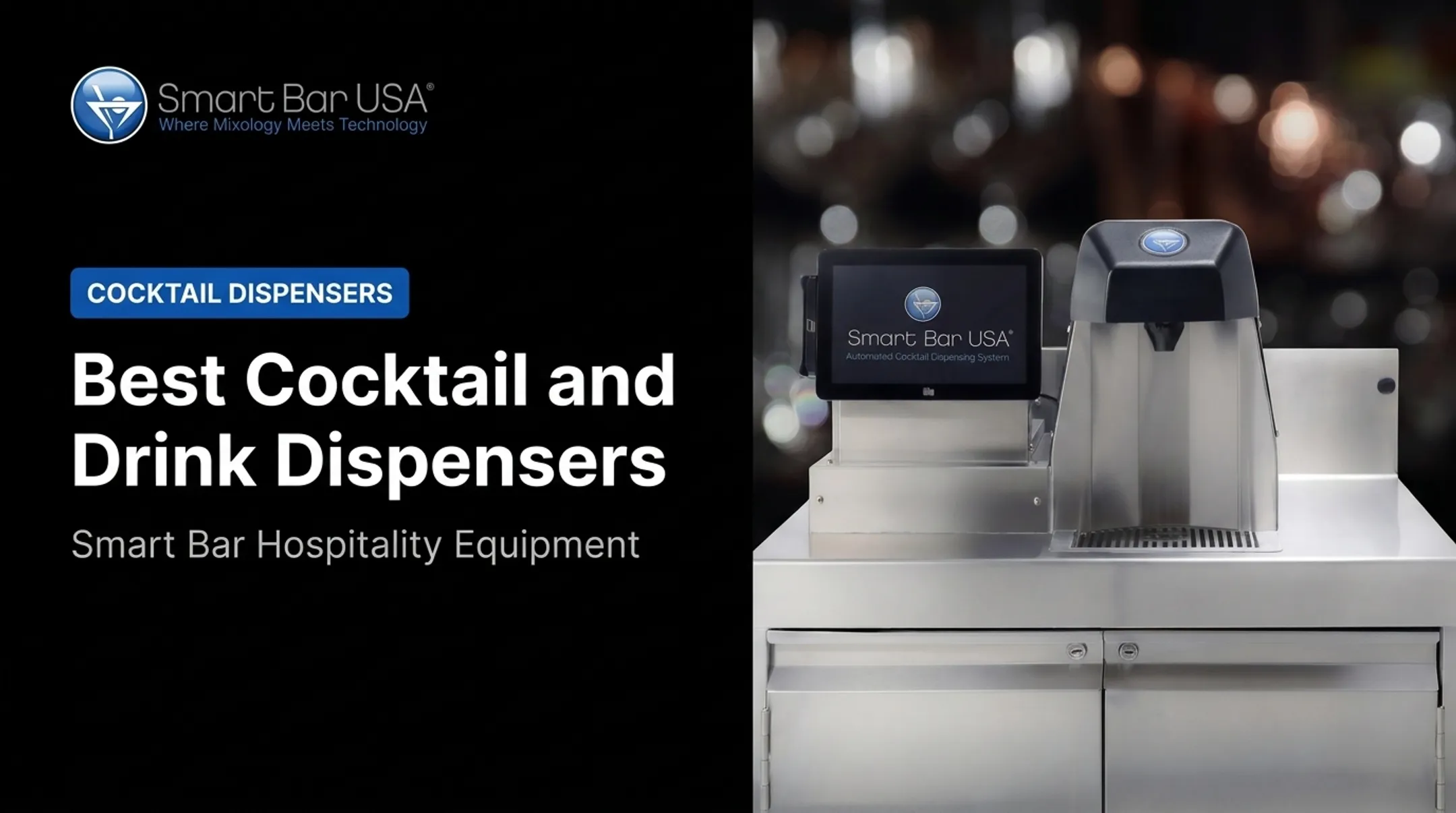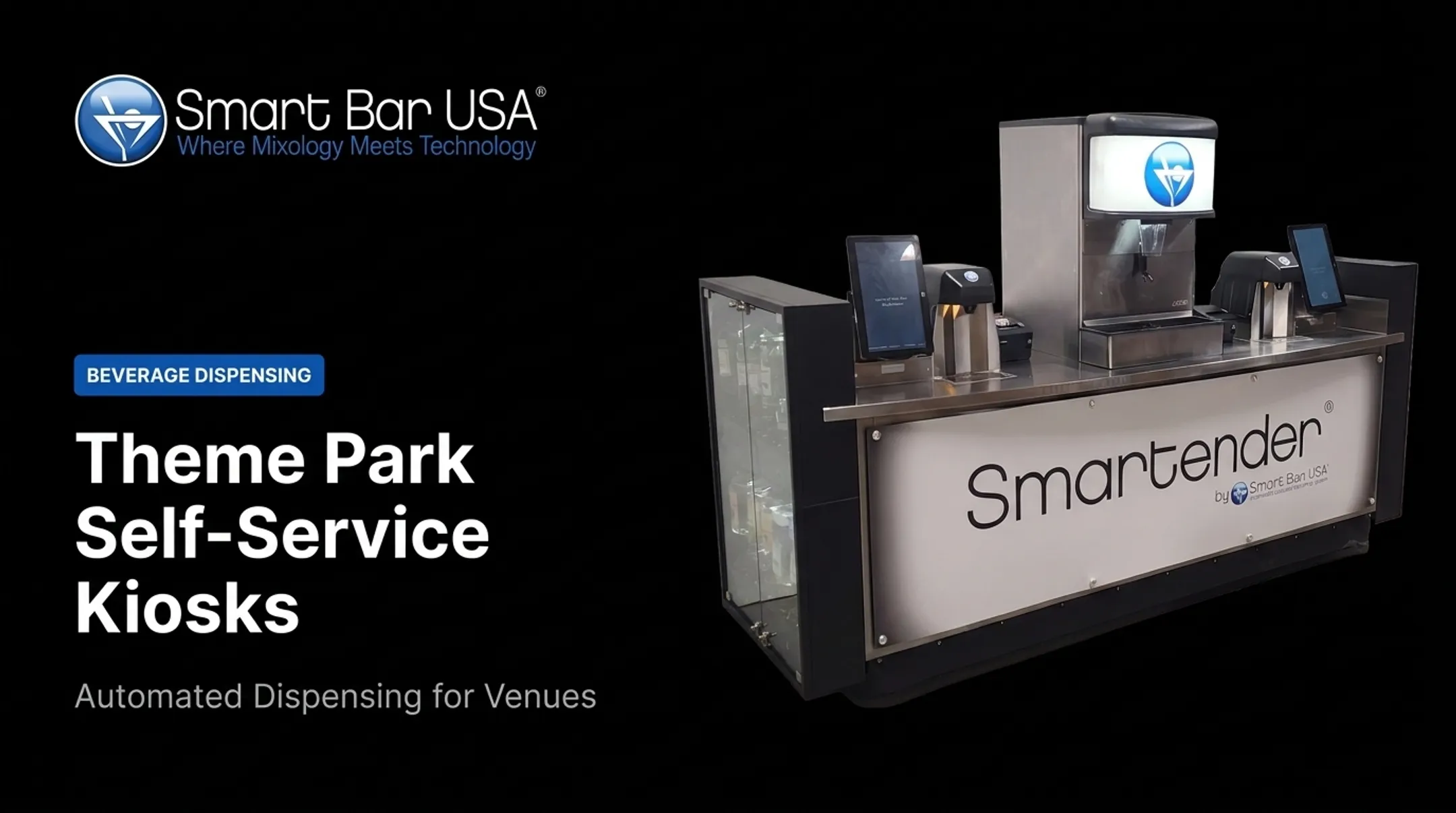

Self-serve beverage and drink dispensers are commercial systems that let customers or authorized staff dispense beverages through taps, touchscreens, or automated cocktail equipment. This guide covers the system types available, how they actually work, the real benefits and tradeoffs, and what to check before you buy.
Key Takeaways
- Beverage dispenser, self-pour tap, draft system, and automated bar are related terms, not interchangeable ones.
- Match the system to venue type, beverage category, volume, and guest self-serve access level.
- Evaluate dispensing accuracy, sanitation, POS integration, inventory visibility, and alcohol-service controls before buying.
- Automation reduces repetitive pouring labor, but cleaning, restocking, and responsible service still need staff.
What Are Self-Serve Beverage and Drink Dispensers?
What "Self-Serve" Means in a Commercial Setting
A self-serve system shifts the pour itself to the customer or an authorized non-bartender operator. Staff still handle setup, replenishment, cleaning, and exceptions — the automation doesn't remove them from the equation. There's a real spectrum here:
- Nonalcoholic self-service — soda, cold brew, kombucha, no controls needed
- Draft beverage self-pour — beer, wine, seltzer walls with RFID or card access
- Controlled self-service alcohol — cocktails dispensed after age/ID verification and order authorization
- Staff-operated automated dispensing — bartenders or servers trigger the pour, guest never touches the machine
What Are These Systems Called?
Search terms overlap but don't mean the same thing:
- Beverage dispenser / self-pour tap / tap wall — typically kegged or premixed drinks (beer, wine, seltzer)
- Draft dispenser — specifically draft beer, wine, or ready-to-drink kegged products
- Automated cocktail dispenser / cocktail machine — meters multiple ingredients (liquor + mixers) into a finished drink Smart Bar USA avoids the term "robot bartender." Its category definition is "automated cocktail system," not a bartender replacement.
Where They're Used
Restaurants, nightclubs, hotels, casinos, stadiums, airports, movie theaters, amusement parks, and family entertainment centers all deploy some version of these systems. Smartender A-Series units, for example, support high-volume cocktail service at properties such as Resorts World Las Vegas.
How Do Self-Serve Dispensers Work?
Storage, Cooling, and Delivery
The path from source to glass varies by beverage. Draft beer needs the keg cooler and dispense point held at 36–38°F, according to the Brewers Association's Draught Beer Quality Manual. Too much CO2 pressure overcarbonates; too little goes flat.
Kombucha runs at 12–15 PSIG and needs stainless steel components because of its acidity.
Automated cocktail systems take a different path. They draw from liquor bottles and Bag-in-Box mixers at the same time. Smartender's A-Series, for instance, pours liquor and mixer together in an average of 4 seconds per drink, accurate to 1/16th of an ounce.

Customer and Staff Interaction
Interfaces vary widely:
- Taps and RFID cards for self-pour walls
- Touchscreens and QR codes for cocktail kiosks
- POS-linked ordering that routes to the dispenser automatically
Smartender Self Serve, for example, uses an onboard QR scanner that pulls a paid order from the POS and displays it on a ready-to-pour screen. The guest never handles cash or a card at the machine.
For alcohol, controls matter more than the interface. Texas TABC guidance on self-pour systems requires the permit holder to confirm each customer is 21+ and not intoxicated, caps orders at two servings, and prohibits a fully automated sale with no human check, per TABC MPA058.
Some systems, like Smartender's DUO, build drink limits and cool-down periods into the software to support that oversight.
Metering, Monitoring, and Maintenance
Flow meters and portion settings control the pour and generate operational data:
- On-screen low-liquor and empty-bottle alerts
- Remote reporting through cloud software when the unit is online
- Order memory that prevents a paid order from being poured twice
None of this replaces the daily routine. Checking lines, sanitizing contact points, restocking mixers, and reviewing alerts still falls to staff.

Types of Self-Serve Beverage and Drink Dispensers
Self-serve equipment spans nonalcoholic taps, draft beer and wine, automated cocktails, and different form factors. Match the dispenser type to your menu, volume, and whether guests or staff pull the pour.
Nonalcoholic Beverage Dispensers
Soda fountains, cold brew, nitro coffee, and kombucha taps suit QSRs, hotels, and event concessions. Commercial nitro cold-brew setups (as Micro Matic describes) can serve still or nitrogenated coffee from one keg during short peak windows.
Common options include:
- Carbonated soft-drink towers and bag-in-box fountains
- Cold brew and nitro coffee keg systems
- Kombucha, tea, and flavored water taps
Draft Beer, Wine, and Ready-to-Drink Dispensers
Single-tap and multi-tap systems need couplers, pressure, and temperature matched to each product. Line hygiene is non-negotiable: the Brewers Association recommends cleaning draft lines at least every 14 days with a caustic solution.
Plan for:
- Correct gas blend and serving pressure by beverage
- Cold-box or glycol temperature control
- A documented line-cleaning schedule operators will actually keep
Automated Cocktail Dispensers
These systems meter spirits and mixers into a finished, repeatable drink. Before you buy, verify:
- Ingredient capacity (how many distinct liquors and mixers)
- Recipe flexibility and pour-size options
- POS integration and pour-level records
- Staff-triggered vs. guest-facing operation
Portable, Countertop, Modular, and Permanent Systems
| Feature | Portable | Countertop / Modular | Permanent |
|---|---|---|---|
| Best for | Events, pop-ups, rotating locations | Existing bars adding automation | High-volume fixed bars |
| Setup | Plug-and-play, self-contained | Sits on the bar and ties into POS | Built into bar design |
| Utilities | Onboard water, waste, CO₂ | Uses venue power; may share gas/water | Full plumbing, electrical, and draft infrastructure |

Smart Bar USA's Smartender Range
Smart Bar USA builds several Smartender configurations rather than a single universal unit:
- Smartender DUO: Portable twin-head self-serve cocktails with touchscreen and QR ordering, plus built-in compliance controls
- Smartender GO: Self-contained portable bar with onboard water, waste, mixer tanks, and CO₂—no permanent hookups required
- Smartender Modular (A-Series): Countertop or permanent units (A800, A1800, A3400, A5000) holding 8 to 50 distinct liquors, with pours under 4 seconds and 1/16-oz precision
- Smartender CHILL: Refrigerated path for perishable or temperature-sensitive ingredients
Choose portable when the bar moves; choose modular or permanent when throughput and ingredient count stay high in one location. Confirm model specs, POS fit, and install requirements with the manufacturer before you commit.
Benefits and Business Considerations
Faster Service, Higher Peak-Period Throughput
Understaffing directly reduces sales. NRA data shows 48% of operators report lost sales tied to labor shortages. Moving repetitive pouring off a single bartender station helps absorb rush periods. Atomic Golf, for example, combined connected ordering with four automated systems capable of producing up to 1,440 drinks per hour.

Consistent Recipes and Portion Control
Metered dispensing removes variation between shifts and employees. Accurate pours (Smartender’s 1/16-ounce accuracy) also make it easier to spot over-pours and shrinkage. At Bad to the Bones, recipes were tested, then locked, so every drink poured matches the standardized build regardless of who's running the machine.
Labor Efficiency Without Removing Oversight
Automation reduces repetitive pouring, measuring, and manual order handling. It does not reduce:
- Cleaning and sanitation
- Restocking and replenishment
- Guest support and alcohol-service supervision
Any labor savings claim should be run through your own numbers (local wages, hours of operation, and staffing model) rather than treated as a universal guarantee.
Guest Experience and Revenue Opportunities
Faster ordering and beverage variety can support premium pricing or repeat visits, but results depend heavily on the venue and market. FSR Magazine reported operators saw an average 39% increase in alcohol sales after installing self-pour walls, an operator-reported figure, not an independent benchmark, per FSR Magazine's 2023 coverage.
Compliance, Responsible Service, and Operational Risk
Age verification, service limits, and monitoring requirements vary by state. Texas explicitly permits self-pour under stated conditions; other states focus on general alcohol-service training rather than self-pour-specific rules. Plan for:
- Documented escalation procedures for guest misuse
- Downtime and incorrect-pour protocols
- Allergen/ingredient disclosure
How to Choose and Implement a Dispenser
Start With the Venue and Beverage Use Case
Define your venue type, peak periods, beverage categories, and whether customers or staff operate the machine. Estimate expected pours and service windows based on your actual traffic, not headline specs.
Evaluate Equipment and Infrastructure
Review these equipment factors:
- Dispensing capacity (number of taps/liquors)
- Temperature control and portion settings
- Footprint, portability, electrical/plumbing needs
- Compatibility with your existing bar setup
Compare a supplier's verified pour speed and capacity claims against your venue's actual demand — don't rely on marketing numbers alone.
Review Technology, Payments, and Integrations
Confirm the system works with your:
- POS platform and payment methods
- QR/mobile ordering tools
- Remote monitoring and multi-unit management needs
Ask what happens if the network or payment connection fails, and who owns the pour data the system collects.
Confirm Sanitation, Certifications, and Compliance
NSF/ANSI 18 covers minimum sanitation requirements for equipment dispensing food or beverages, per NSF's Food Equipment Standards page.
Smart Bar USA holds ETL certifications. Confirm which certifications apply to your exact model, and verify local health, safety, and alcohol-service requirements separately.
Plan Installation, Training, and ROI Measurement
Typical rollout steps:
- Complete site assessment
- Handle delivery and installation
- Configure recipes and test POS
- Train staff
- Run a soft launch

Track these metrics before and after launch so you judge results with real data, not assumptions:
- Queue time
- Transaction volume
- Beverage-cost variance
- Maintenance calls
Frequently Asked Questions
What is the best drink dispenser?
The best dispenser is the one that fits your beverage type, venue volume, service model, space, budget, and alcohol-control needs. Rank options by total operating fit for your venue, not by a generic “best of” list.
What are those drink dispensers called?
Common terms include beverage dispenser, self-pour tap, tap wall, draft system, self-serve alcohol dispenser, automated cocktail dispenser, and automated bar. Draft terms usually mean kegged beverages; automated cocktail dispensers meter multi-ingredient drinks.
Where can I buy a self-serve drink dispenser?
Buy from a manufacturer or commercial supplier that provides specifications, installation guidance, sanitation procedures, POS integration support, staff training, and warranty coverage, not hardware alone.
Are self-serve alcohol drink dispensers legal?
Legality and requirements vary by state and local jurisdiction. Confirm licensing, age verification, serving limits, and responsible-service obligations with your local authority before launch.
How do you clean and maintain a self-serve beverage dispenser?
Follow manufacturer-approved cleaning and sanitizing procedures, including regular beverage-line maintenance, nozzle and drip-tray cleaning, and replenishment checks. Keep inspection logs and train staff on the exact model in use.