
Order-and-pay-at-the-table covers a wide range of tools: guest-led QR ordering, staff-operated handheld POS devices, tabletop payment terminals, and hybrid combinations of all three. None of them work identically, and none suit every restaurant.
This guide breaks down how each model works, which restaurants it fits, what integration and security actually require, and how to keep cash and human-service options alive when the technology doesn't cooperate.
Key Takeaways
- Choose QR, handheld POS, tabletop, or hybrid ordering based on how your floor actually runs.
- Link POS, kitchen, payment, and menus in real time so staff never re-enter orders.
- Keep cash, offline, and full-service options for dead phones, weak Wi-Fi, and guests who want a server.
- Track checkout time, table turns, ticket errors, and adoption with your own numbers, not vendor averages.
What Are Order-and-Pay-at-the-Table Solutions?
Order at the table vs. pay at the table
These are two different functions. Ordering at the table captures food and drink selections directly from the guest or server. Paying at the table settles the check at the guest's seat. A restaurant can run either one independently or combine both.
This is distinct from:
- Online ordering for pickup/delivery — the guest orders before arriving
- Traditional POS service — orders and payments happen at a fixed terminal, away from the guest
- Counter or kiosk ordering — the guest leaves the table to order and pay at a fixed point of sale
The core technology components
Whether you run ordering, payment, or both at the table, a workable system links three layers together:
- Capture layer — a digital menu or handheld interface records items, modifiers, allergies, and table number
- Kitchen routing — the POS sends the ticket to the right kitchen station or bar automatically
- Payment layer — handles cards, mobile wallets, tips, receipts, and check closure
Real-time menu availability and order status matter far more than simply sticking a QR code on a table. A code that leads to a stale menu or an order that doesn't hit the kitchen printer creates more problems than it solves.

Restaurant Order-and-Pay Models
Staff-operated handheld POS
The server takes the order tableside, enters modifiers on a handheld device, and transmits it instantly. Payment, tipping, and receipt delivery can all happen at the seat too, without a trip to a stationary terminal. This model preserves hospitality: the server still guides recommendations, while cutting the walking and re-entry that slows full-service restaurants down.
Guest-led QR-code ordering
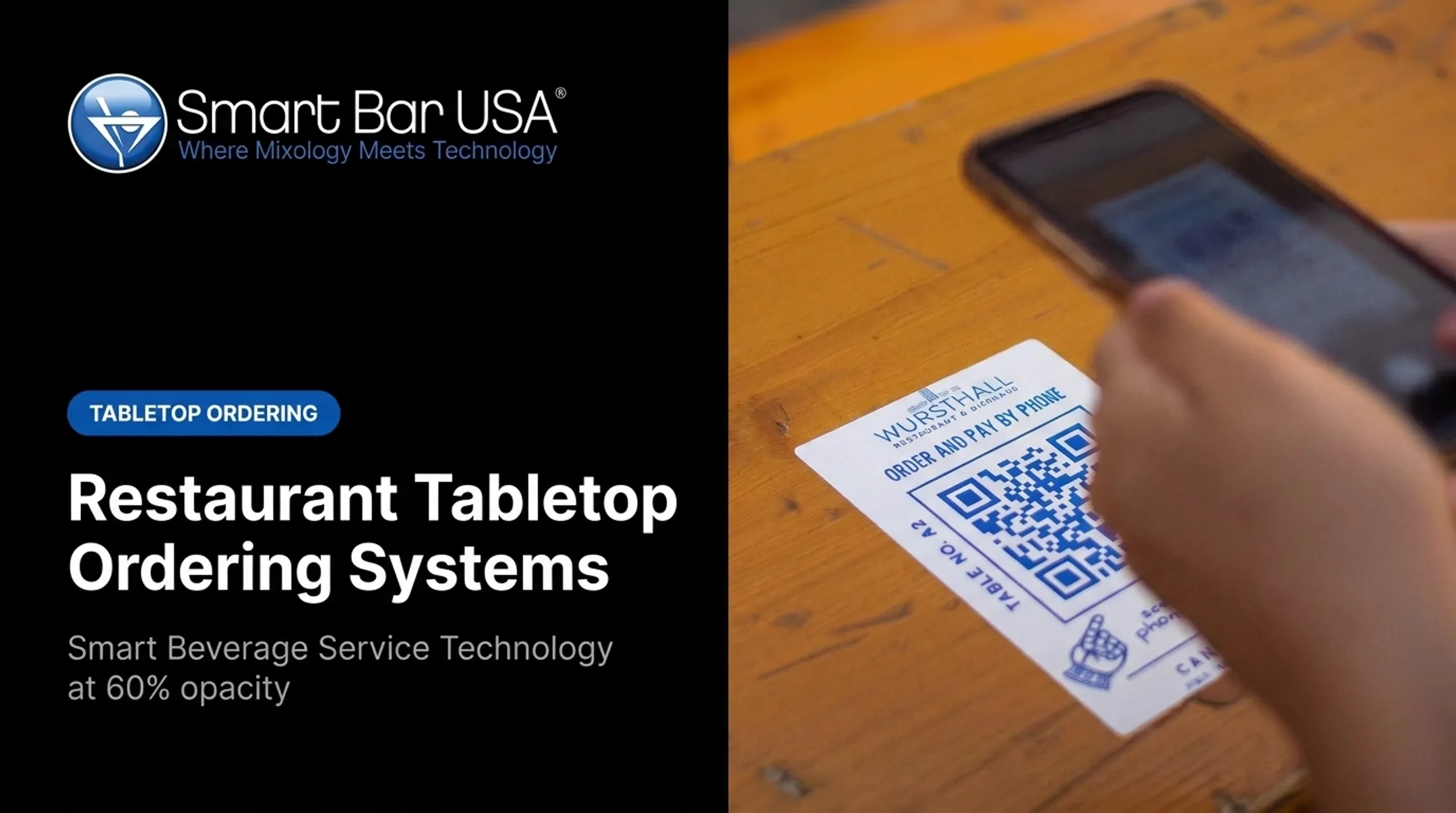
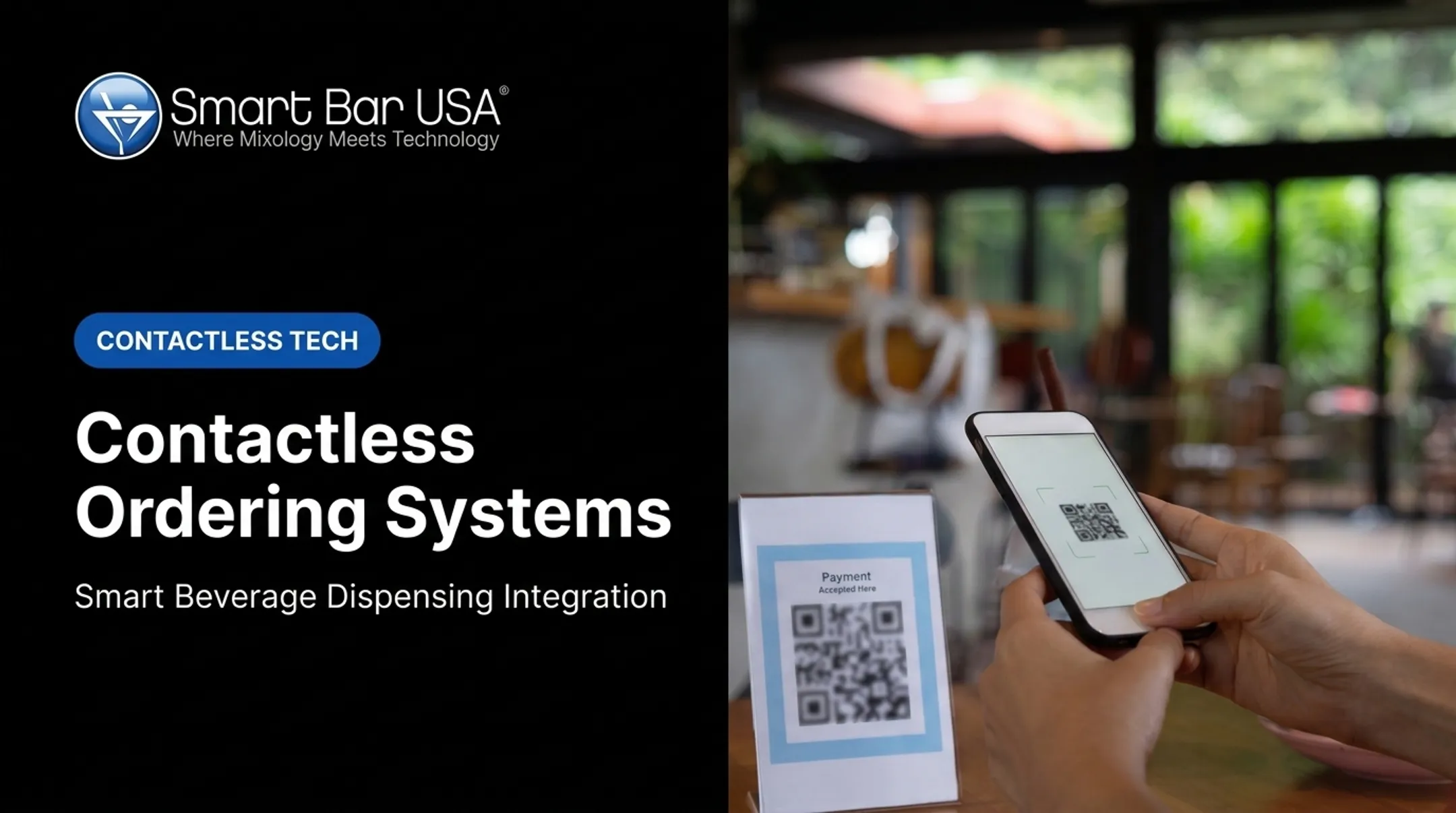
Table-specific QR codes open a mobile web menu. Guests select items, submit orders, request another round, and sometimes pay without downloading an app. One detail operators often miss: how the payment provider classifies a QR transaction. A card entered on a web page after scanning is typically treated as card-not-present, while a card tapped or inserted at a physical terminal is card-present. That distinction affects processing fees, fraud liability, and authentication requirements. Confirm it with your processor before rolling anything out.
Tabletop terminals and self-service devices
These are customer-facing devices where guests review the bill, split checks, add a tip, and pay by card or wallet without waiting for a server. They shorten checkout, but they bring real maintenance overhead:
- Sanitation between parties
- Charging and battery management
- Accessibility for guests with limited dexterity or vision
- Device replacement and repair cycles
Paying with the order or at the end
Pay-with-order suits bars, patios, and counter-service areas where guests pay upfront for quick rounds. End-of-meal payment fits full-service, multi-course dining. The timing you choose affects:
- Refunds and cancellations
- How additional rounds get added
- Open tabs and alcohol controls
- Check splitting complexity
- When staff needs to step in
Hybrid workflows and operational fallbacks
The safest approach offers guests multiple paths (QR, handheld, cash, card, staff-assisted) so they can switch when technology or preference demands it. Plan for these contingencies before they happen:
- Weak Wi-Fi or unreadable QR codes
- Dead phone batteries
- Items that sell out mid-service
- Payment declines and duplicate orders
- Requests that genuinely need a human GoTab, a platform combining POS with self-ordering kiosks and kitchen display integration, reports that operators using this kind of hybrid setup average 14% lower labor spend than industry benchmarks. Guest spend per labor hour hits $83, roughly 84% above the industry median. Blended workflows tend to outperform full automation on both labor cost and spend efficiency.

Benefits and Limitations of Order-and-Pay-at-the-Table Technology
Faster service, better accuracy
Direct order entry cuts the walking and re-entry that eats into a server's shift. Digital modifiers and allergy notes travel straight to the kitchen printer or display instead of being remembered and re-keyed. National Restaurant Association research from 2024 found that among full-service diners, 59% would use a QR code to view a menu, but only 48% would use it to order and 46% to pay. That's a meaningful gap. QR is popular for browsing, less so for the full transaction. Treat it as an option to offer, not a replacement for staff.
Guest control and payment security
Contactless payment keeps the card in the guest's hand throughout the transaction. But security isn't automatic just because a device is new. Payment terminals remain fully in PCI DSS assessment scope regardless of how modern they look, and approval alone doesn't guarantee compliance. Confirm encryption, tokenization, and patch management with your processor. Don't assume the vendor has it covered.
Revenue and operational insight
Digital menus support relevant upsells: premium pours, add-on rounds, tip prompts. To know whether those prompts are working, track:
- Average check size
- Attachment/upsell rate
- Table turns during peak hours
- Payment failure rate
- Guest feedback scores

Costs and adoption barriers
Real costs include:
- Hardware
- Monthly software fees
- Payment processing
- Connectivity
- Training time Not every guest wants a screen at their table. Some prefer cash, personal service, or simple privacy. A digital system should add options, not remove the human touch that keeps guests coming back.
How to Choose and Implement an Order-and-Pay-at-the-Table Solution
Start with your operating model
Before comparing vendors, review:
- Dining format and average party size
- Peak periods and table-turn goals
- Alcohol sales volume
- Current friction points (slow checkout, order errors, excess staff trips to terminals)
Verify integrations
Build a checklist covering:
- POS sync and table mapping
- Kitchen routing
- Payment processing, tipping, and refunds
- Reporting
Ask vendors how they handle:
- Failed payments
- Offline periods
- Duplicate submissions
ConnectSmart®, a kitchen display platform from QSR Automations, integrates with more than 70 POS systems. That range is a useful benchmark for the integration flexibility you should expect from a serious vendor.
Confirm security and accessibility
- PCI-compliant processing, encryption, tokenization
- Device management and user permissions
- Accessible menu design, staff-assisted alternatives, non-smartphone options
Plan the rollout
- Test QR placement and scan reliability at actual tables, not just a demo unit
- Confirm network coverage across the full dining room
- Train staff on order edits, cash handling, and escalation
- Run a limited pilot before full deployment
- Collect feedback from guests, servers, and kitchen staff
Measure and compare vendors
Build a baseline-and-pilot comparison for order time, checkout time, table turns, error rate, and average ticket. ROI depends on your transaction volume and staffing model. Don't rely on a generic payback period from a vendor's marketing page.
How Beverage Automation Can Complement Table Ordering
An order-and-pay system handles menu discovery, order capture, and ticket routing. Beverage automation picks up after the order is placed, handling how certain drinks get made and dispensed once the ticket lands at the bar.
For high-volume restaurants, casinos, and entertainment venues, drink throughput is often the actual bottleneck, not the ordering step.
Smartender for high-volume restaurant beverage service
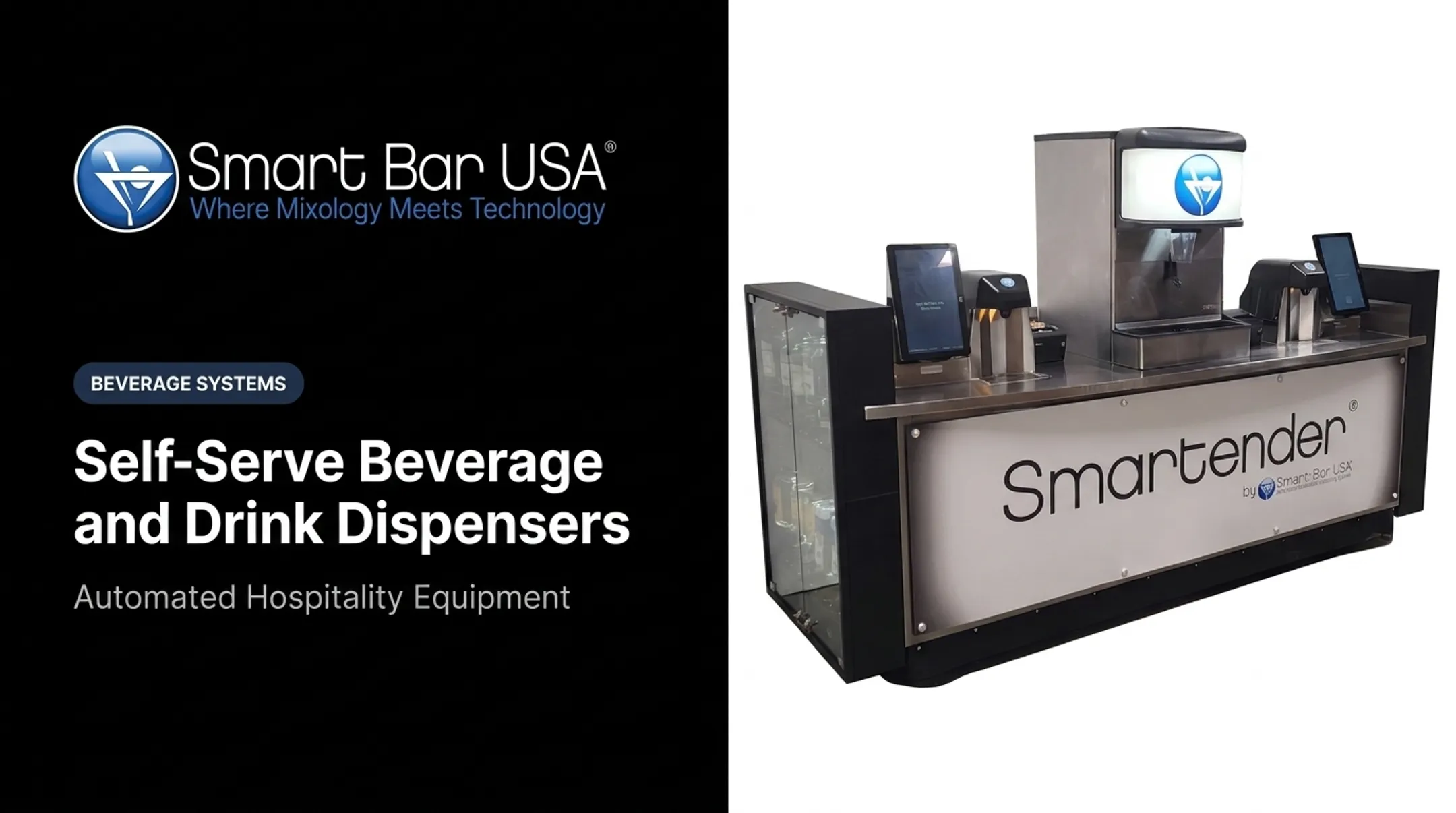
Smart Bar USA manufactures the Smartender line of automated cocktail dispensers, built at its Las Vegas facility. The lineup includes portable, modular, chilled, and self-service configurations:
- Smartender A-Series (A800, A1800, A3400, A5000): modular countertop units holding 8 to 50 distinct liquors
- Smartender GO: fully portable, self-contained bar
- Smartender CHILL: refrigerated dispensing for perishable mixers
- Smartender DUO: self-serve cocktail delivery straight to the patron
Key capabilities:
- Integration with existing bar systems and most POS setups
- Pour tracking for inventory control
- Sub-4-second pour times
- 1/16-ounce dispensing precision

Confirm compatibility and specs for your bar layout before committing; every venue's setup differs.
Evaluate fit before adding beverage automation
Consider drink volume, menu complexity, refrigeration needs, cleaning procedures, age verification, and connectivity before deciding if automation makes sense. Beverage automation complements your ordering and payment workflow; it does not replace your POS or processor.
If you're running a high-volume bar program alongside table ordering, talk to Smart Bar USA about whether a Smartender system can raise drink throughput without slowing table service.
Frequently Asked Questions
Can I order food online and pay with cash?
Digital ordering platforms usually require online payment or payment at pickup. Some restaurants offer cash-on-arrival for pickup orders. Confirm the restaurant's policy, since dine-in, pickup, and delivery workflows differ.
Where can I get food and pay later?
For dine-in, "paying later" usually means settling the check at the end of the meal. Deferred payment options depend entirely on the restaurant and its payment provider; it's not a standard feature of table ordering systems.
What is the difference between ordering at the table and paying at the table?
Ordering captures food and drink selections. Paying settles the bill. Restaurants can offer either or both through QR codes, handheld POS, or tabletop terminals.
How does QR-code ordering work in a restaurant?
Guests scan a table-specific code, browse a mobile menu, and submit orders that route to the POS and kitchen. Staff need a backup plan for when scanning or connectivity fails.
Is paying at the table secure?
Security depends on the provider's encryption, tokenization, and PCI controls, not on the device alone. One clear benefit: the guest keeps physical possession of their card the entire time.
How much does an order-and-pay-at-the-table solution cost?
Costs vary widely by hardware, software subscriptions, and payment processing fees. Compare total cost of ownership using your own transaction volume, not a vendor's advertised average.